On this page
- Why Order One Smart Locker Sample First?
- Arrival Day: Check the Crate and the Finish First
- Compartments and Locks: Test With Your Real Items
- Screen, Pickup Flow and Notifications
- Back Office and API Integration
- Power, Network and Installation Position
- How Do You Turn Sample Findings into a Bulk Specification?
- Frequently Asked Questions
- Key Takeaways
- About Linqu
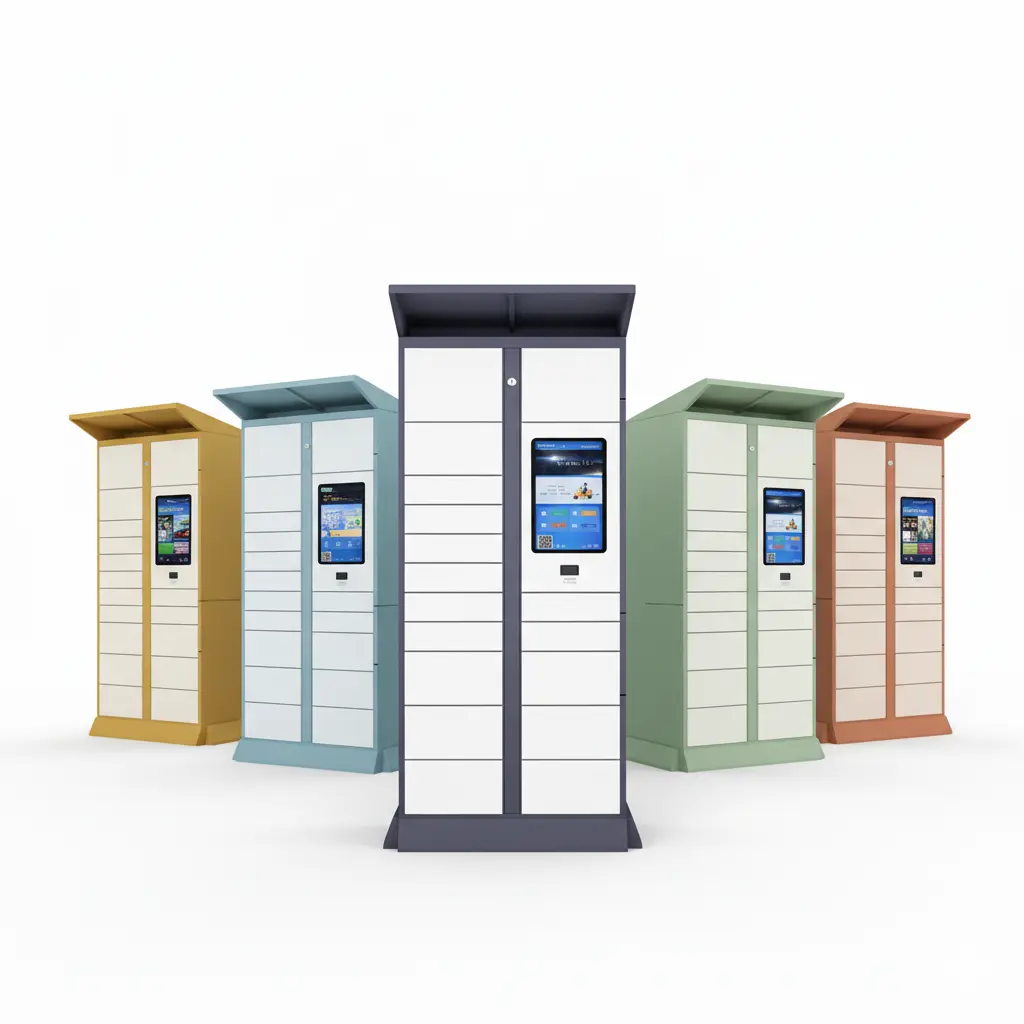
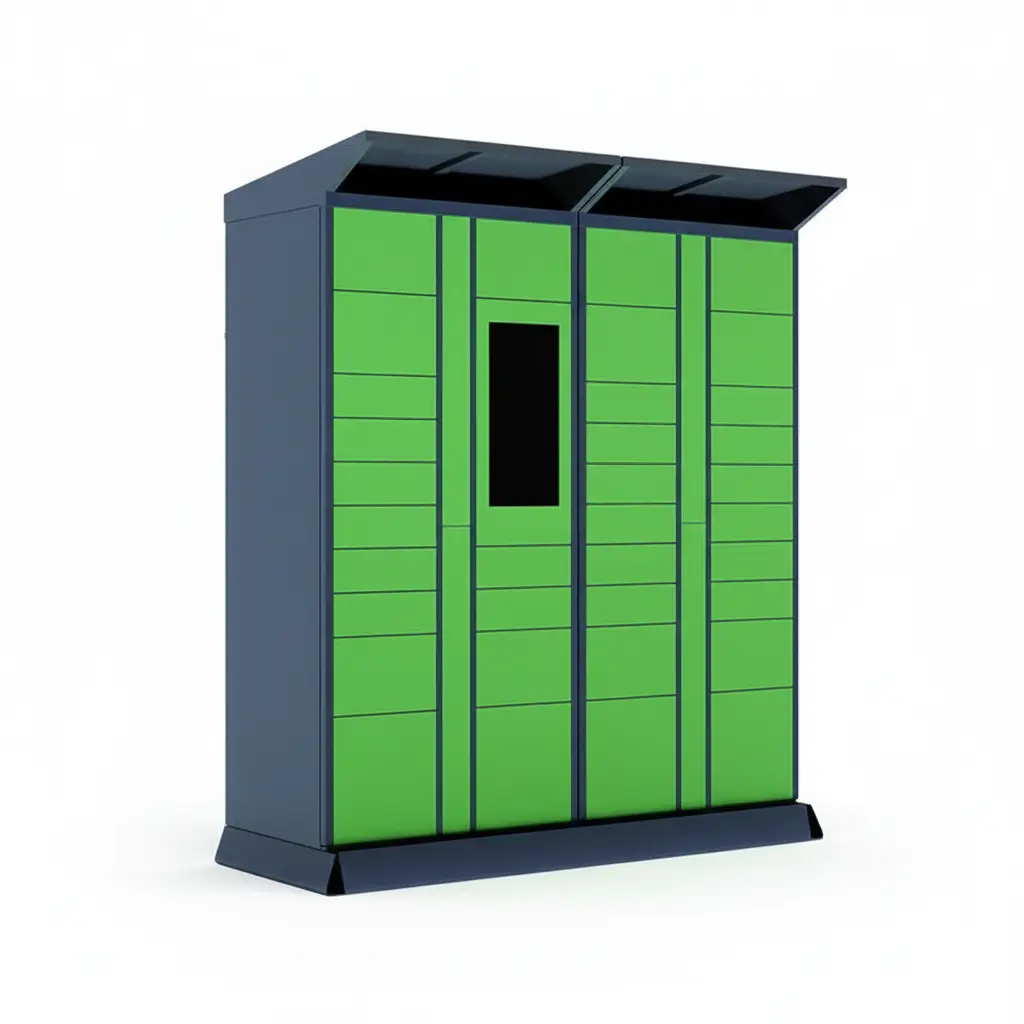
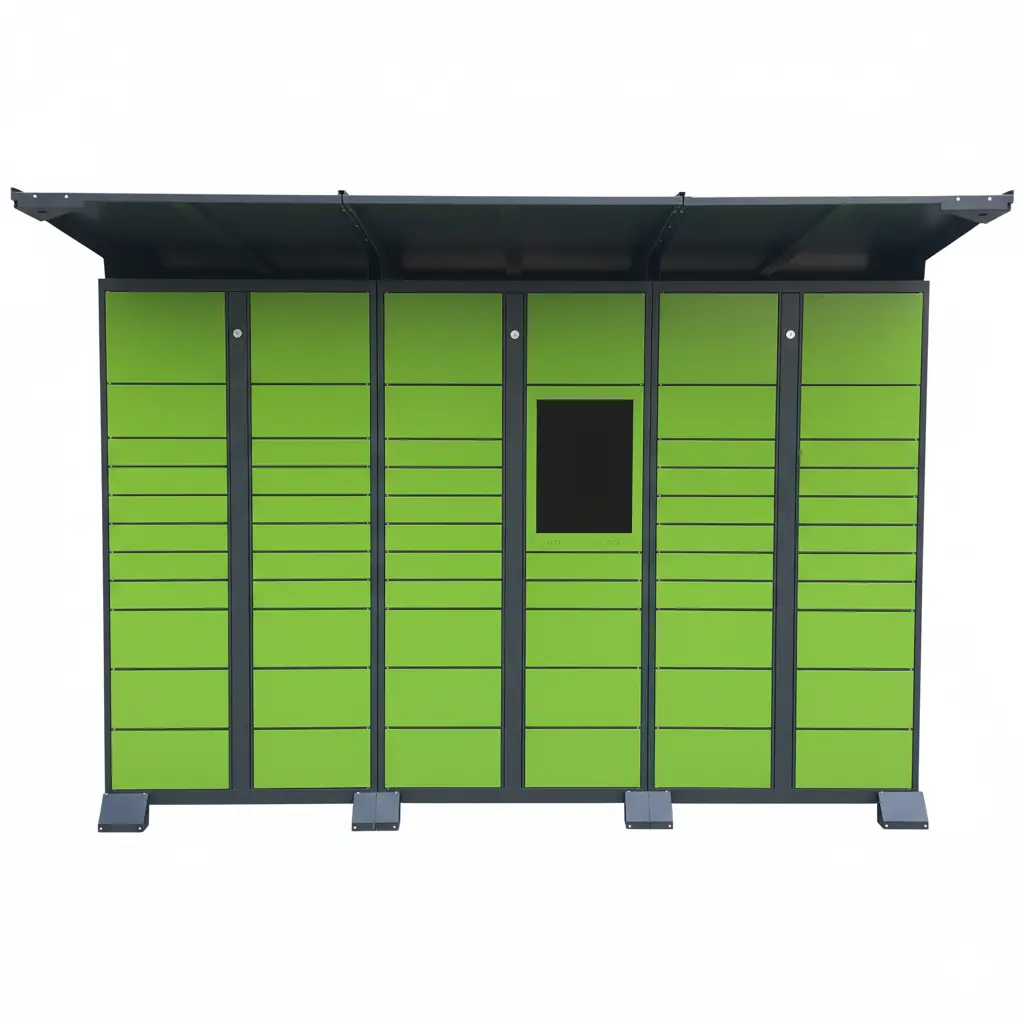
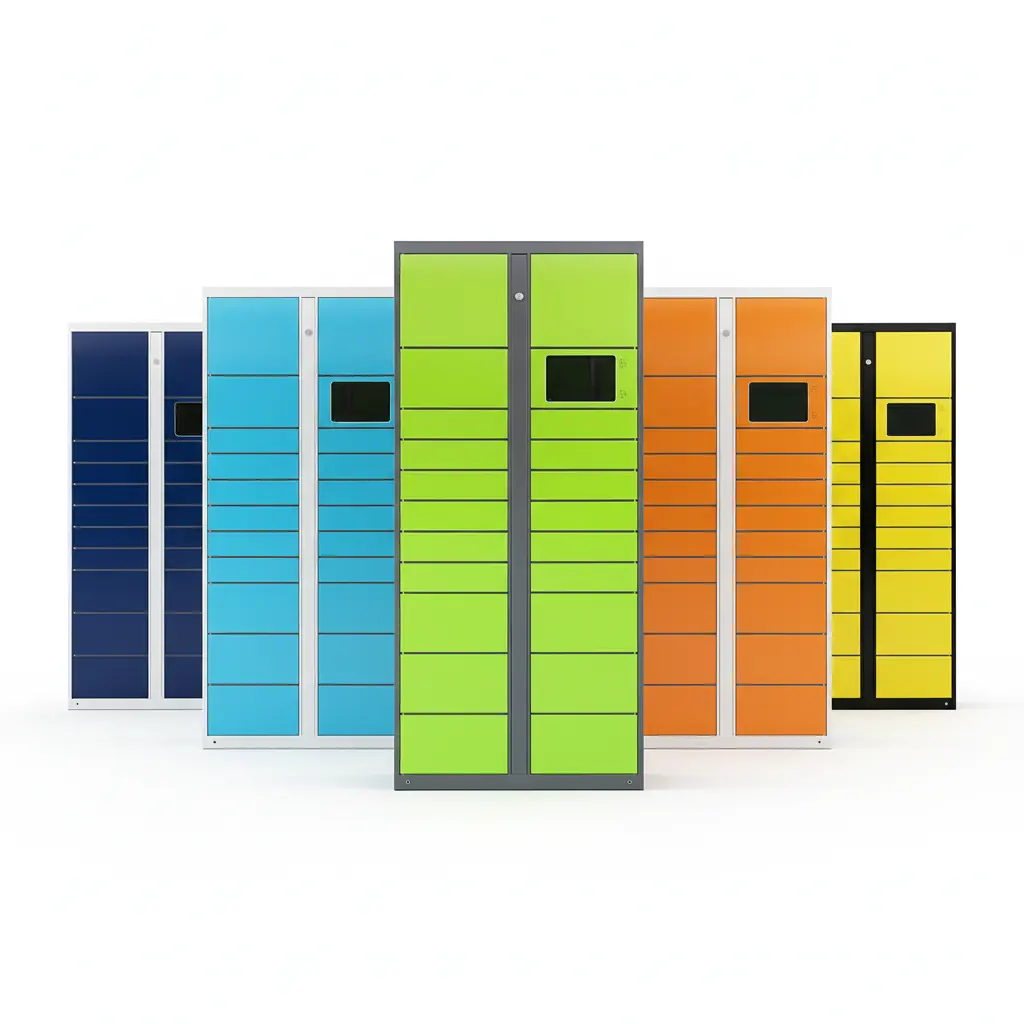
A smart locker sample is not there to be admired on a showroom floor. It is your one chance to check compartments, locks, notifications, the back office and power under your own conditions before you commit to a volume order, and then to turn what you learned into a bulk specification. Linqu is a smart locker manufacturer based in Zhengzhou, China, building parcel, pickup and storage lockers and the control components inside them, and this checklist sets out what importers, operators and integrators should test when the first sample cabinet arrives.
Short answer: order one sample built in the configuration you plan to buy in volume, then test the crate and finish on arrival, every compartment size with your real items, repeated unlocking and door-status reporting, the full pickup flow with its notifications, the back office and your API integration, and power and network under destination conditions. Record every issue with steps and photos, agree the fixes, and freeze the result as a one-page bulk specification before you place the order.
Area | What to check on the sample |
|---|---|
Arrival | Crate, doors, hinges, powder coating, logo and colour |
Compartments | Every compartment size with the items your users will really store |
Locks | Repeated opening and closing, door status matching reality, emergency unlock if fitted |
Pickup flow | Deposit, notification, pickup code or QR scan, door opens |
Back office | Compartment status, records, remote opening, first API test |
Power and network | Destination plug and voltage, WiFi, Ethernet or 4G at the real site |
Specification | Issues logged, fixes agreed, one-page specification confirmed by both sides |
Why Order One Smart Locker Sample First?
Because the minimum order quantity is one unit, a sample costs you one cabinet rather than a container of them. Samples take 7–14 days to produce; the buyer pays for the sample and its freight, and the sample fee is not credited against a later bulk order. Payment, Incoterms and packaging are covered in our guide to ordering smart lockers from a manufacturer, so this article focuses on what happens after the sample arrives.
The most important decision is made before the sample is built: a sample can be built to your requirements, so ask for the configuration you actually intend to buy in volume, including the compartment mix, screen, colour, logo and notification channels. Testing a standard cabinet tells you very little about a customized order. If the volume order will have a different layout, a branded cabinet or a WhatsApp notification, the sample is where those requirements should appear for the first time.
Arrival Day: Check the Crate and the Finish First
Inspect the sample before you power it on. Lockers travel in export wooden crates, and transport damage is easiest to settle when it is documented on the day of delivery.
Crate: look for broken boards, crushed corners or signs of water before you open it, and photograph the crate from every side.
Doors and hinges: open every door once and check for dents, bent hinges or doors that do not sit flush.
Powder coating: look along the panels for chips, scratches and uneven colour.
Branding: compare the logo, its position and the cabinet colour with the version you approved.
If anything is wrong, take photos the same day and send them to the factory together with your order number. A clear set of photos on day one saves a long discussion later.

Compartments and Locks: Test With Your Real Items
Compartment sizes that look right on a drawing often feel wrong in practice. Take the items your users will really store, such as your largest parcel, a typical retail bag, a folded laundry bag or a shoebox, and try each one in every compartment size. Check that the door closes without force and that nothing can block the latch. Our compartment size guide explains how to rebalance the mix if some sizes turn out too tight or too generous.
Then test the locks the way your users will, which means many times. Open and close each door repeatedly, and after every cycle check that the status reported on the screen and in the back office matches the real state of the door: open when it is open, closed when it is closed. A mismatch on the sample becomes a support ticket at every site later. If your configuration includes a mechanical emergency unlock, switch off the power and try it, and make sure the person who will hold that key on site knows how it works.
Screen, Pickup Flow and Notifications
Walk through the complete end-user journey exactly as it will run in daily operation: an item is deposited, the recipient receives a notification, enters the pickup code or scans a QR code at the screen, and the door opens. Do it once as the person depositing and once as the person collecting. Time each step and note where a first-time user hesitates, because those moments are what your support team will hear about.
SMS pickup codes are standard. Email, WhatsApp, or a deeplink that takes users into your own app are customizable options. Raise them at the sample stage rather than after the bulk order, because each one adds development time and should be tested on the sample before the specification is frozen. Our article on the SMS pickup code locker workflow shows how the standard flow works step by step.

Back Office and API Integration
Log in to the management back office and use it the way your operations team will. Check the status of each compartment, look through the deposit and pickup records, and open a door remotely. Ask the people who will run the sites day to day to try it, not only the person who placed the order.
If the lockers must connect to your own platform, integration runs through our open API, and the scope is confirmed per project. There are no ready-made plug-ins or connectors, so the sample stage is the right time for your developers to take the API documentation and run a first integration test against the real cabinet: trigger an event, open a compartment, read its status back. Problems found on a single sample cost far less than problems found after a whole fleet has shipped.
Power, Network and Installation Position
Power the sample with the plug and voltage of the destination country rather than an adapter on an office bench, so you know the cabinet is set up for the market it will serve. Then test the network the site will really have, whether WiFi, wired Ethernet or 4G, ideally at or near the installation position, because the signal in a basement corridor or a car park is rarely what it is in an office.
For outdoor projects, remember that outdoor cabinets such as our outdoor weatherproof parcel locker are rated IP54, and a canopy is recommended wherever the cabinet is exposed to direct rain. Site preparation, cabling and power planning are covered in our smart locker installation guide for power and network, and the split of responsibilities on site is set out on our installation and deployment services page.

How Do You Turn Sample Findings into a Bulk Specification?
The result of a sample test should be a document, not an impression. Record every issue in the same format so the factory can reproduce it and agree a fix with you:
Field | What to record |
|---|---|
Symptom | What happened, in one sentence |
Steps to reproduce | The exact sequence that triggers it |
Evidence | Photos or a short video |
Requested change | What you want changed, and why |
Agreed fix | The change confirmed by both sides |
Once the fixes are agreed, write the final configuration on one page, covering compartment layout, screen, locks, colour and logo, notification channels, integration scope, power and network, and have both sides confirm it before you place the bulk order. Bulk production takes about 20 days, counted from the day the configuration and drawings are confirmed. If the design changes after that, the lead time is recalculated, which is exactly why the sample stage is the place to make changes.
Frequently Asked Questions
Can the sample fee be credited against the bulk order?
No. The sample and its freight are paid separately, and the fee is not credited or refunded after a bulk order.
Can the sample be built in my custom configuration?
Yes. Samples can be built to your requirements, and they should match the configuration you plan to order in volume.
What happens if the sample fails one of my tests?
Send the issue record to the factory, confirm how it will be fixed, and write the agreed change into the bulk specification before you order.
Can I get CE documents with the sample?
Yes, you can ask for them. Our lockers hold CE and RoHS certification; see which CE and RoHS documents EU importers should ask for.
Key Takeaways
A smart locker sample is for testing compartments, locks, notifications, the back office and power, not for judging looks.
The MOQ is one unit; samples take 7–14 days, the buyer pays the sample and freight, and the fee is not credited against a bulk order.
Have the sample built in the configuration you plan to order in volume.
SMS pickup codes are standard; email, WhatsApp and app deeplinks are customizable and should be raised at the sample stage.
Integration uses the open API with no ready-made connectors, so run a first integration test on the sample.
Outdoor cabinets are rated IP54; add a canopy where the site is exposed to rain.
Bulk production takes about 20 days from confirmation of the configuration and drawings; later design changes reset the schedule.
About Linqu
Linqu is a smart locker manufacturer founded in 2018 in Zhengzhou, China, with its own factory in Luoyang, supplying finished lockers and locker components to operators and integrators from one unit.
Planning a sample? Tell us the scenario you want to validate and your destination country, and we will reply within 24 hours with a sample configuration and a quote.