On this page
- Why Freeze the Specification Before Production?
- What Goes into a Custom Smart Locker Specification?
- Layout: Cabinet Size, Compartment Mix and Locker Walls
- Colour and Branding: Colour Codes, Logo Files and the Screen Interface
- Cabinet Material and Build
- Indoor or Outdoor Installation?
- Screen, Lock Control Board and Locks
- Payment and Notifications
- Power, Plugs and Interface Language
- Software and Integration Scope
- Documents and Certification
- Frequently Asked Questions
- Key Takeaways
- About Linqu
Most delays on a custom smart locker order are not caused by production itself. They happen when the specification is still moving after production has started. Linqu is a smart locker manufacturer based in Zhengzhou, China, building customized parcel, pickup and storage lockers for operators and integrators. This guide lists what we ask buyers to confirm in writing after the quote is accepted and before work begins. Think of it as a custom smart locker specification checklist: one page, signed by both sides, that the factory builds from.
Short answer: before production starts, freeze the cabinet layout, the colour and branding files, the cabinet material, the indoor or outdoor build, the screen and lock hardware, the payment and notification channels, the power and plug standard, the interface language, the software and integration scope, and the certification documents you need. Bulk production takes about 20 days from the day the configuration and drawings are confirmed; a design change after that point means the lead time is recalculated.
Why Freeze the Specification Before Production?
Bulk production of a smart locker order takes about 20 days, and the clock starts when the configuration and drawings are confirmed. That date is the anchor for everything that follows: purchasing materials, sheet-metal work, powder coating, wiring and testing. If the design changes after confirmation, the lead time is recalculated from the new confirmation date, because parts that were already cut, coated or wired may have to be made again.
Custom orders are where this matters most. A standard cabinet leaves few open questions, while a branded locker wall with its own payment and software requirements leaves dozens. Details such as a logo file, a colour code or an extra row of compartments often change more than once between the quote and the start of production. The way to protect your delivery date is simple: once the quote is accepted, write the agreed configuration on one page, attach the drawings and files, and have both sides sign it. Questions about MOQ, samples, Incoterms and packaging are covered in our guide to ordering smart lockers from a manufacturer; this article starts where that one ends.
What Goes into a Custom Smart Locker Specification?
A complete custom smart locker specification answers nine questions. The table below is the one-page summary; each item is explained in the sections that follow.
Item | What to confirm | What the buyer provides |
|---|---|---|
Layout | Overall size, compartment mix, how cabinets join, screen position | Layout drawing |
Colour and branding | Cabinet colour, logo method, branded screen interface | Colour code and vector logo file |
Cabinet material | Galvanized or cold-rolled steel, sheet thickness, anti-pry structure | Written choice |
Indoor or outdoor | IP54 outdoor build, rain canopy, wall-mounted or freestanding | Site description or photos |
Screen, board and locks | Screen size, 18/24/32-channel board, 12V or 24V locks, emergency unlock | Written choice |
Payment and notifications | Card terminal or local payment via open API; SMS standard, other channels custom | List of payment methods and channels |
Power and language | Voltage, frequency, plug type, interface languages | Destination country and language list |
Software scope | Linqu cloud platform or your own platform via open API | Integration scope |
Documents | CE and RoHS; other markets confirmed separately | Destination country |
Layout: Cabinet Size, Compartment Mix and Locker Walls
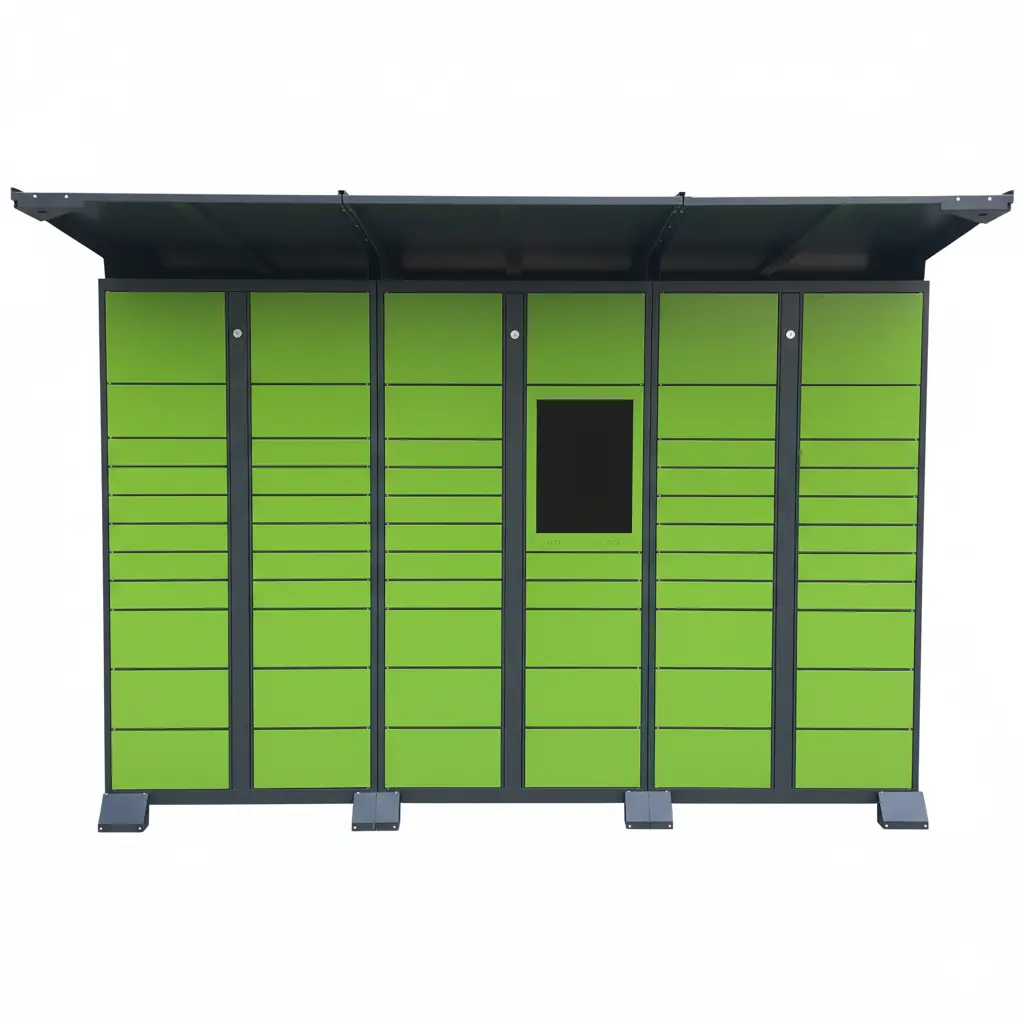
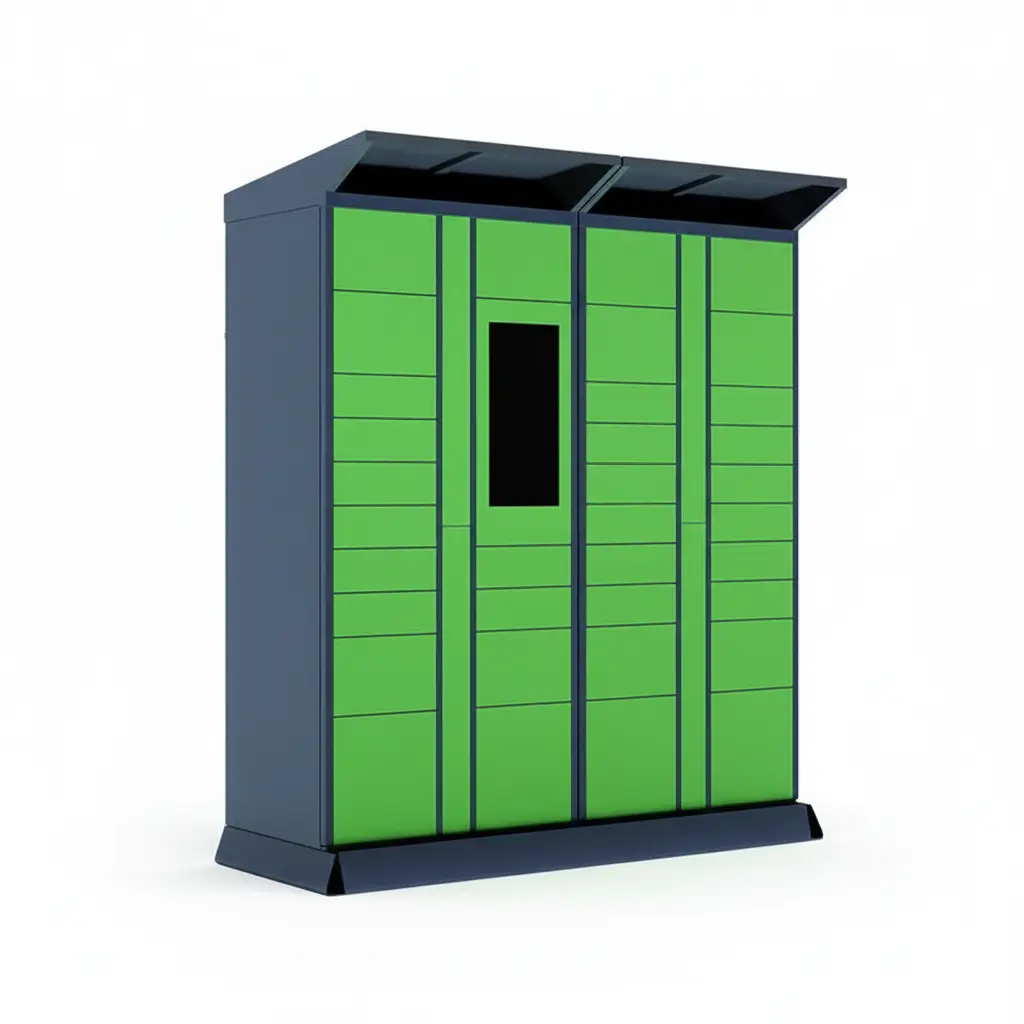
The overall cabinet size — height, width and depth — can be customized, and so can the compartment combination: large, medium and small compartments can be mixed in one cabinet. Several cabinets can also be joined modularly into a single locker wall. At this stage you need to fix four things: the external dimensions, the exact compartment mix, how many cabinets are joined and in what order, and which position holds the screen.
Confirm all of this on a layout drawing rather than in a written description. "Twenty medium compartments with the screen in the middle" can be drawn in several different ways; a drawing with every compartment marked cannot be misread. If you are still deciding the mix, our parcel locker compartment size guide explains how to size compartments around the items you actually store.

Colour and Branding: Colour Codes, Logo Files and the Screen Interface
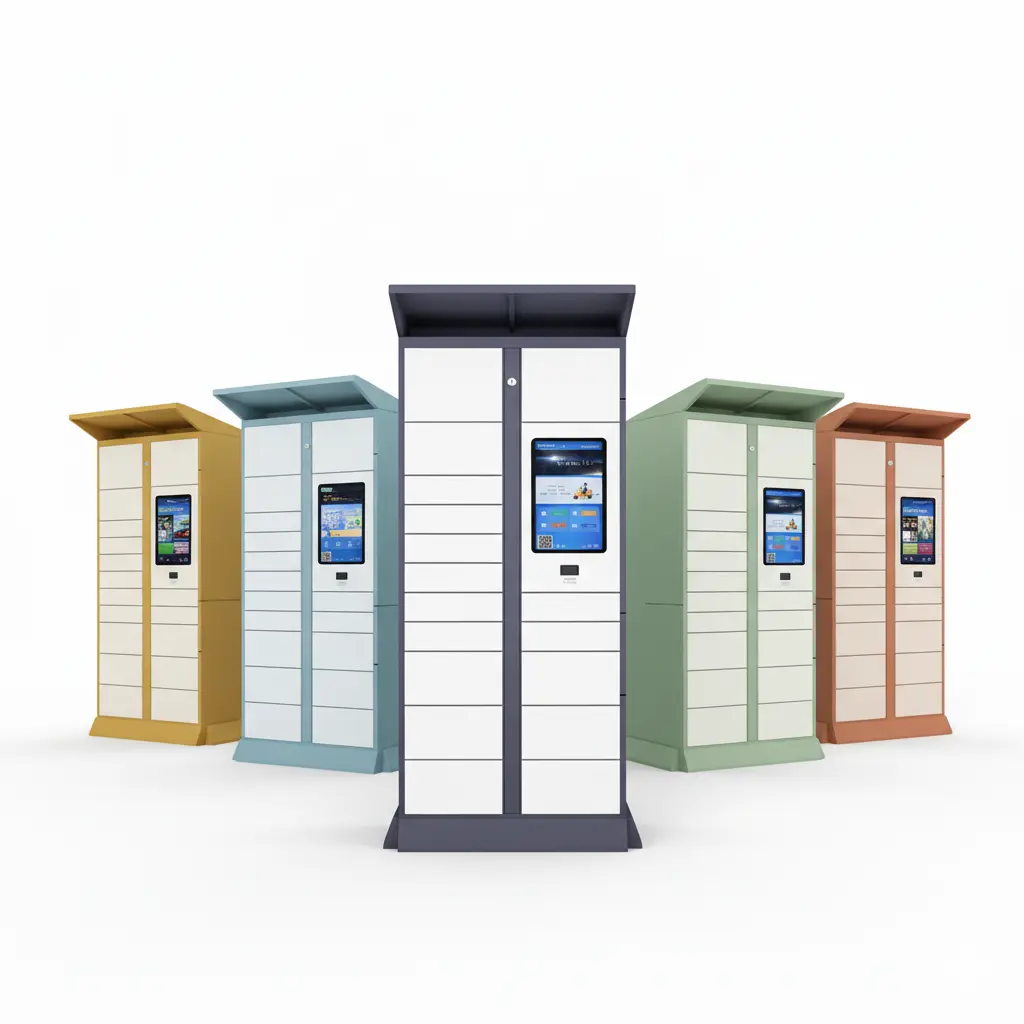
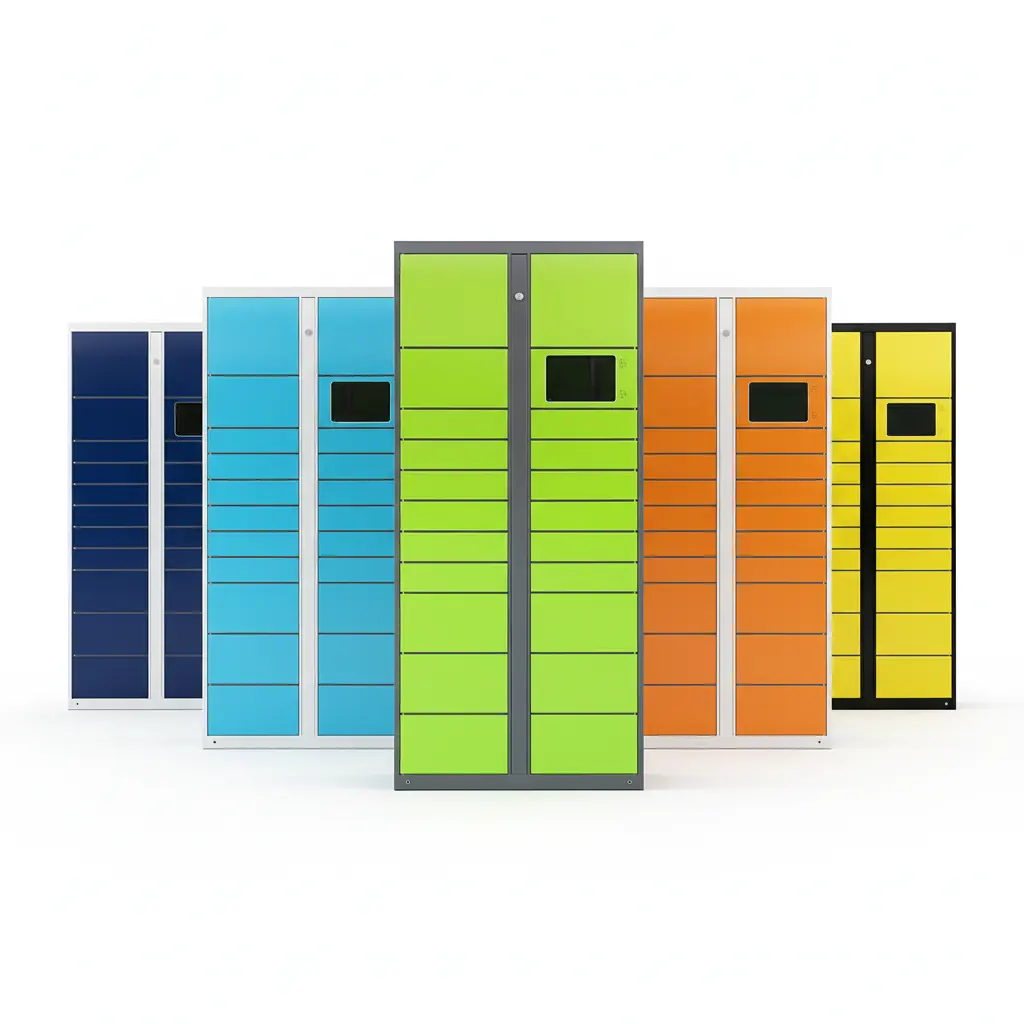
The whole cabinet can be produced in a custom colour, with a powder-coated finish and anti-rust treatment. A logo can be applied by printing, silk-screening or film, and the touchscreen interface can be branded as well. What turns these options into a frozen specification is the set of files you hand over:
Cabinet colour: give a specific colour code instead of a description such as "dark blue". Colours look different on a monitor, in a PDF and on powder-coated steel, so a code is the only reliable reference.
Logo: supply a vector logo file and confirm the application method (printing, silk-screen or film), the position and the size on the cabinet.
Screen interface: decide whether the interface should carry your logo, your colour scheme and your own start-up screen, or stay with the standard interface.
If you need several brand versions — for example one colour scheme per client or per site — list each version separately with its own colour code and logo file. Our OEM custom parcel locker is a typical starting point for branded projects.

Cabinet Material and Build
Cabinets are built from galvanized steel or cold-rolled steel sheet. The usual thickness is 0.6–1.2 mm, and thicker sheet can be used on request. The structure includes an anti-pry design. Write the material and the thickness into the specification, especially if the lockers will stand in a public area with little supervision, so that the quote, the drawings and the finished cabinet all describe the same build.
Indoor or Outdoor Installation?
Decide this before production, not after the lockers arrive. Outdoor models are rated IP54, and at exposed sites we recommend adding a rain canopy over the cabinet. Also confirm the installation method — wall-mounted or freestanding — because it affects the cabinet structure and how the lockers are fixed on site. If you are not sure which build your site needs, see our outdoor vs indoor smart locker guide.

Screen, Lock Control Board and Locks
These parts sit inside the cabinet and are the hardest to change once wiring has started, so they belong in the frozen specification:
Touchscreen: 7", 10" or 21.5". Choose the size together with the screen position on the layout drawing. See our Android touchscreen for smart lockers for the terminal options.
Lock control board: 18, 24 or 32 channels per board. The channel count follows the number of compartments on your layout drawing.
Electromagnetic locks: 12V as standard, with 24V as an option. Our lock control boards support lock voltages from 9V to 24V, so the lock and the board are specified as a matching pair.
Emergency unlock: decide whether you need a mechanical emergency unlock so that compartments can still be opened during a power failure.
Payment and Notifications
Payment and notification channels are often treated as software details to sort out later. Customized channels take development time, though, so they need to be written into the specification now, not after the cabinets are built.
Payment: a card payment terminal, or the mainstream local payment methods in your market, connected through our open API. Write down exactly which methods the lockers must accept.
Notifications: SMS pickup codes are standard. Email, WhatsApp or a deeplink into your own app can be customized; if you want any of them, list them in the specification at this step.
For retail click-and-collect projects, our retail BOPIS pickup locker is a typical case where the payment and notification choices shape the whole pickup flow.
Power, Plugs and Interface Language
Voltage and plug type are adapted to the destination country, so the specification must name the country where the lockers will be installed. Two examples:
United States: 110–120V / 60Hz, Type A / B plugs.
Singapore and Malaysia: 230V / 50Hz in Singapore and 220–240V / 50Hz in Malaysia, both with Type G plugs.
List the interface languages as well: which languages the touchscreen should offer, and which one is the default. For site power planning and the split of installation responsibilities, see our smart locker installation and deployment services.
Software and Integration Scope
Decide which software the lockers will run on. There are two routes: use our cloud management platform, or connect the lockers to your own platform through our open API and SDK. There are no ready-made connectors for specific third-party systems; integration is built against the API, and its scope is confirmed per project.
Whichever route you choose, write the integration scope into the specification: which events and functions your system needs, who builds which part, and what counts as finished. Leaving this discussion until the lockers have arrived is one of the most common ways an on-time hardware delivery turns into a late project.
Documents and Certification
Our lockers hold CE certification (EMC, LVD and Machinery Directive) and RoHS. If your market requires other certificates, that has to be confirmed separately before you order. Also ask, before ordering, whether a change to the power configuration or the payment terminal calls for additional testing, so that the answer is part of the specification rather than a surprise later. For the CE and RoHS paperwork itself, see our guide to CE and RoHS documents for EU importers.
Frequently Asked Questions
Can I still change the specification after production starts?
Yes, but the lead time is recalculated. Bulk production takes about 20 days from confirmation of the configuration and drawings, and a design change after that point restarts the schedule from the new confirmation date.
Should I order a sample before freezing the specification?
We recommend it. Samples take 7–14 days and are paid by the buyer (product and shipping), and the sample fee is not credited against the bulk order. Build the sample in the configuration you plan to order, test it, and then write what you learned into the frozen specification.
Can I customize only the appearance and keep the standard software?
Yes. You can customize the colour, logo and layout and keep our standard cloud platform and interface.
Key Takeaways
Bulk production takes about 20 days from the day the configuration and drawings are confirmed; design changes after that date reset the lead time.
Confirm the layout on a drawing, not in a text description.
Branding needs files: a colour code for the powder coat and a vector logo file.
Outdoor lockers are rated IP54; add a rain canopy at exposed sites.
Specify the screen size, the 18/24/32-channel lock control board and 12V or 24V locks as one matched set.
SMS pickup codes are standard; email, WhatsApp, deeplinks and the payment methods must be written into the specification before production.
Integration uses the open API with no ready-made connectors; agree its scope before the lockers ship.
About Linqu
Linqu is a smart locker manufacturer in Zhengzhou, China, building parcel, pickup and storage lockers and the control components inside them, with OEM/ODM customization from one unit. Read more about Linqu as a smart locker manufacturer.
Ready to freeze your specification? Send us your layout sketch and brand files, and we will prepare a specification confirmation sheet for you to review.