Smart lockers are not plug-and-play appliances. Every deployment, whether in a residential lobby, a corporate mailroom, or an outdoor pickup station, requires three infrastructure elements to be in place before the locker arrives: electrical power, network connectivity, and physical space. Missing any one of these turns installation day into a project delay.
This guide covers what you need to plan for each requirement, with specific differences between indoor and outdoor deployments.
Do Smart Lockers Require Electrical Work?
Yes — every smart locker needs a standard AC power connection (110V–240V). The amount of electrical work depends entirely on your deployment location.
Indoor installations are usually straightforward:
Most building lobbies, mailrooms, and storage areas already have accessible power outlets within a few meters of the planned locker position.
A standard grounded outlet (15A circuit) is sufficient for most locker configurations.
Units with large touchscreens (21.5") or heating elements (food lockers) may need a dedicated circuit to avoid tripping shared breakers.
No licensed electrician is typically required — just confirm the outlet location and circuit capacity.
Outdoor installations require more planning:
If no power outlet exists at the deployment site, a licensed electrician must run a dedicated electrical line from the nearest panel.
All outdoor connections require GFCI (ground fault circuit interrupter) protection — this is code in most countries.
Surge protectors are strongly recommended in lightning-prone areas.
Cable runs under 15 meters are usually minor work. Runs over 30 meters may need heavier gauge wiring or underground conduit.
For remote locations without grid power, solar-powered locker systems with battery backup are available. LinQu offers a solar-powered locker solution designed for off-grid deployments in Africa and other regions with unreliable power infrastructure.

Network Connectivity: WiFi, Ethernet, or 4G?
Smart lockers need a reliable network connection for real-time notifications, remote management, payment processing, and tracking integration. The right choice depends on your environment:
WiFi
Best for: indoor installations near a building's WiFi access point.
Requirement: signal strength at the locker position must be above -65 dBm for reliable operation.
Risk: WiFi can be unreliable in basements, parking garages, metal-framed rooms, or locations far from the router.
Test before committing: use a phone or WiFi analyzer app to check signal at the exact locker position.
Ethernet (LAN)
Best for: indoor installations where WiFi is weak or where maximum reliability is required (e.g., payment-processing lockers).
Requirement: an Ethernet cable run from the nearest switch or server room to the locker position.
For outdoor deployments, Ethernet requires weatherproof conduit — usually not cost-effective unless the distance is short.
4G LTE (recommended for outdoor)
Best for: outdoor installations, remote locations, and any site where building network access is not available or reliable.
Requirement: a SIM card with a data plan (typically 50-200 MB/month per locker).
Advantage: completely independent of building infrastructure — no IT department coordination needed.
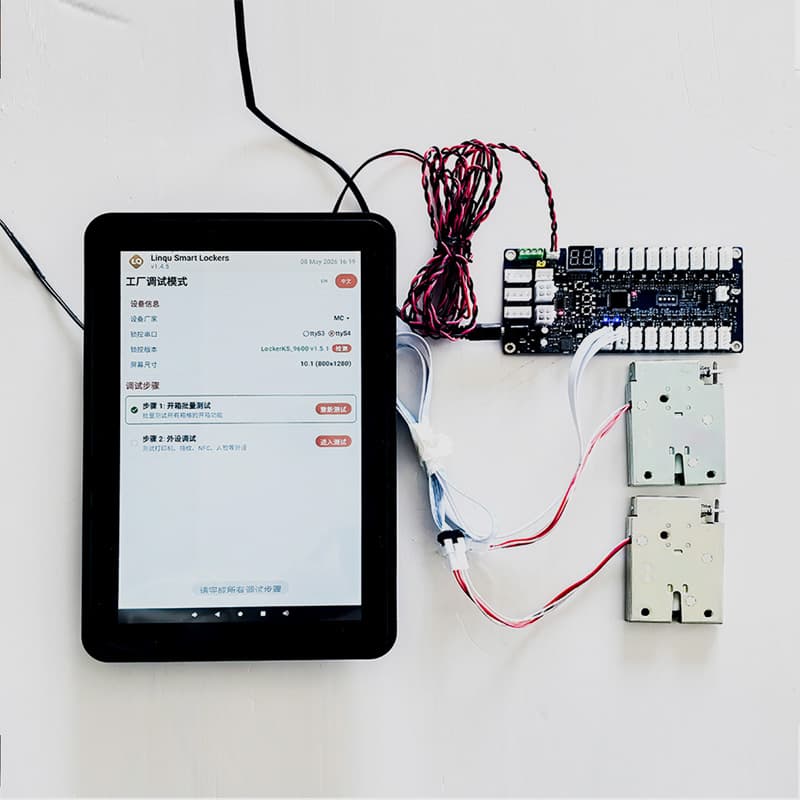
Most smart locker platforms, including LinQu, offer optional 4G modules that plug directly into the main control board.
For mission-critical deployments, the best practice is dual connectivity: 4G as primary with WiFi failover, or Ethernet as primary with 4G backup. This ensures the locker stays online even if one connection drops.
Physical Space and Structural Requirements
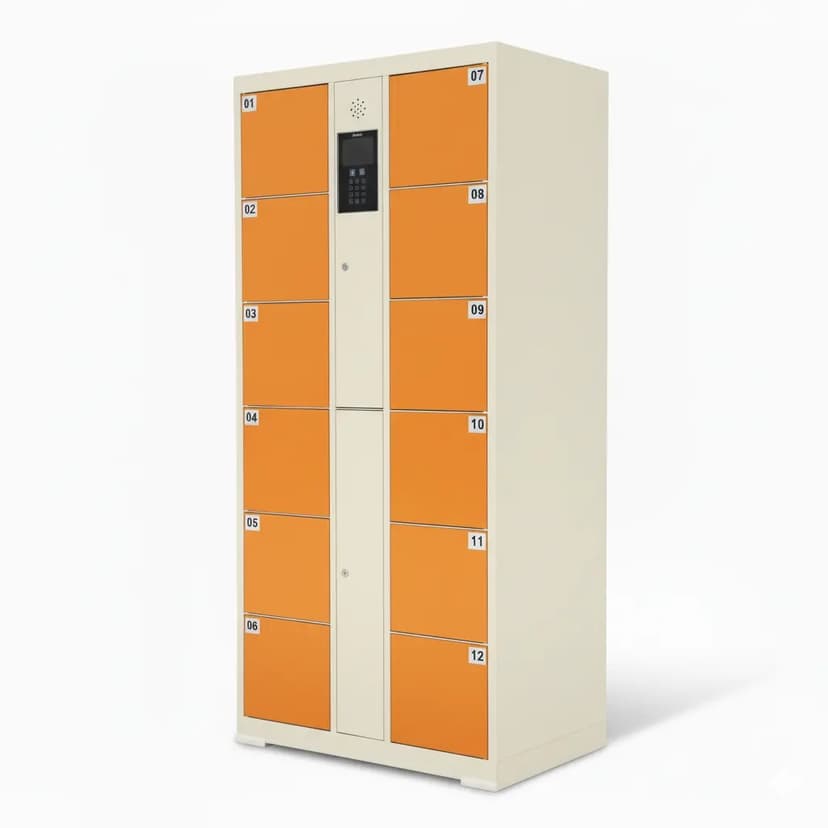
Smart lockers are heavy. A typical 12-compartment unit weighs 150-250 kg depending on the steel gauge and configuration. Site preparation must account for:
Floor load capacity — most commercial and residential floors can handle locker weight, but check with the building manager for older structures.
Level surface — lockers must be installed on a flat, level surface. Uneven floors cause door alignment issues and lock failures.
Clearance space — plan for at least 80 cm in front of the locker for users to open compartment doors comfortably. Side clearance of 10-15 cm allows ventilation and cable access.
Anchoring — outdoor lockers and any unit in a high-traffic public area should be floor-anchored with bolts to prevent tipping or theft.
Accessibility — in many jurisdictions, locker installations must comply with ADA or equivalent accessibility standards (minimum aisle width, maximum reach height, signage).
For outdoor sites, also consider:
Drainage — the locker base should not sit in standing water. A raised concrete pad (5-10 cm) is recommended.
Sun exposure — direct sunlight on the touchscreen reduces readability. A shade canopy or north-facing orientation helps.
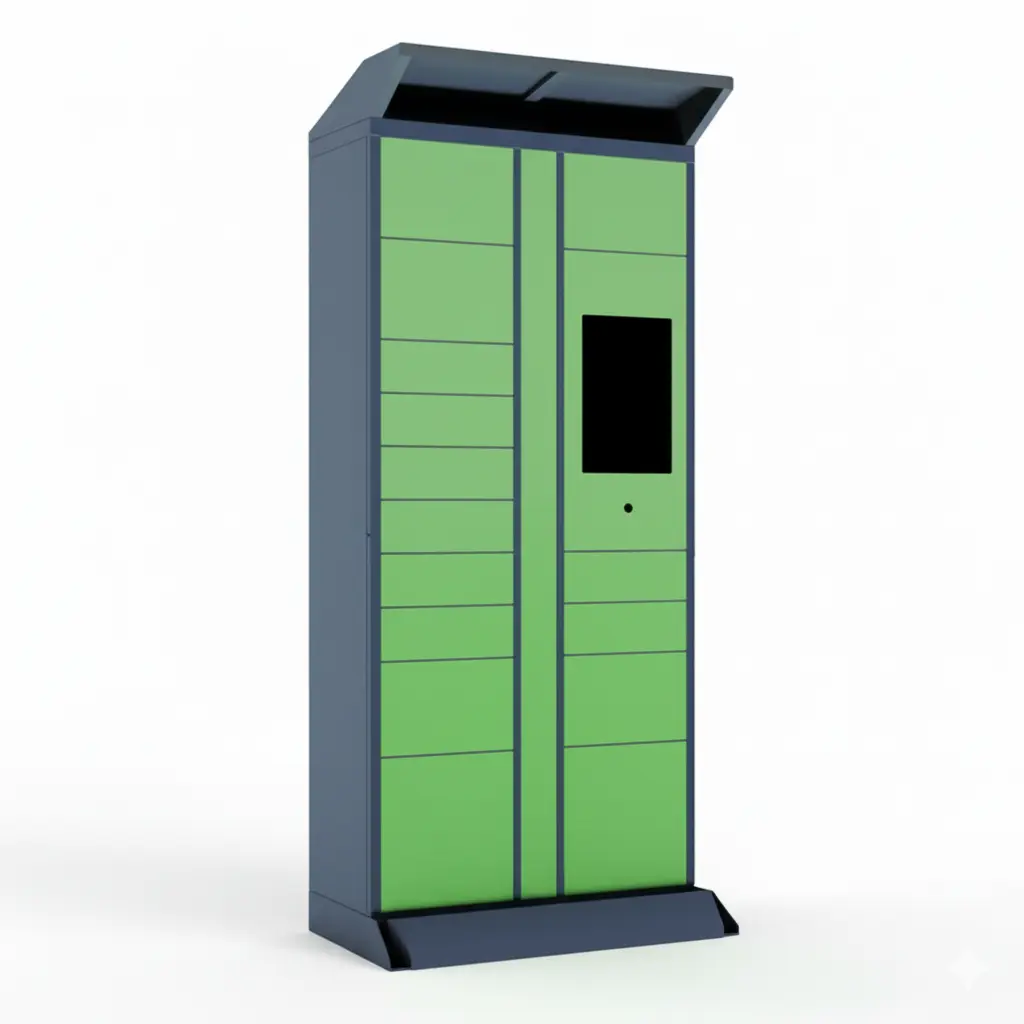
Weather exposure — our outdoor weatherproof parcel locker with IP65 protection is rated for rain, dust, and temperature extremes from -20°C to +55°C.

Installation Timeline: From Order to Go-Live
A typical smart locker deployment follows this timeline:
Site assessment (Week 1) — Confirm power, network, and space requirements. LinQu provides a free site assessment checklist.
Order and customization (Week 2-4) — Configure compartment layout, branding, software features, and connectivity options.
Manufacturing (Week 4-8) — Production at our 20,000 sqm facility. Standard configurations ship faster; custom projects take longer.
Shipping (Week 8-10) — Sea freight to most destinations. Air freight available for urgent deployments.
Installation (1-2 days on site) — Physical placement, power connection, network setup, software configuration, and testing.
Go-live and training (Day 1 after install) — System activation, admin dashboard walkthrough, and user communication setup.
Total timeline: 8-12 weeks from order to operational for most projects. This can be shorter for standard indoor units with no customization.
Pre-Installation Checklist
Use this checklist before finalizing your locker order:
☐ Power outlet confirmed within 3 meters of locker position (indoor) or electrical work quoted (outdoor)
☐ WiFi signal tested at locker position (if using WiFi) or 4G coverage confirmed (if using 4G)
☐ Floor surface is flat and can support 150-250 kg
☐ Clearance of 80 cm in front, 10-15 cm on sides
☐ Floor anchoring points identified (outdoor or public areas)
☐ Building management approval obtained
☐ Accessibility compliance checked for your jurisdiction
☐ Drainage and shade assessed (outdoor only)
Need help with your site assessment? LinQu's project team provides free deployment consultations. We review your floor plan, power layout, and connectivity options, then recommend the right locker configuration for your site. Contact us to get started.