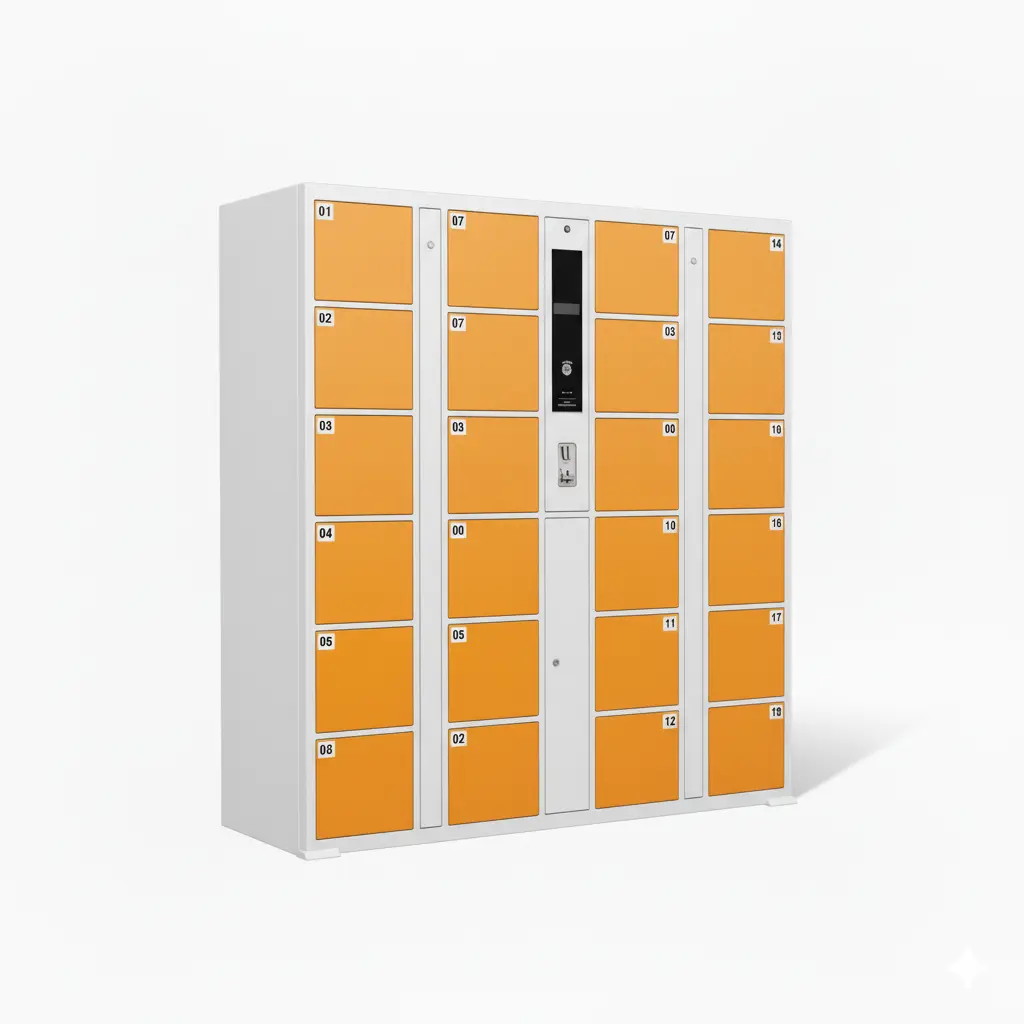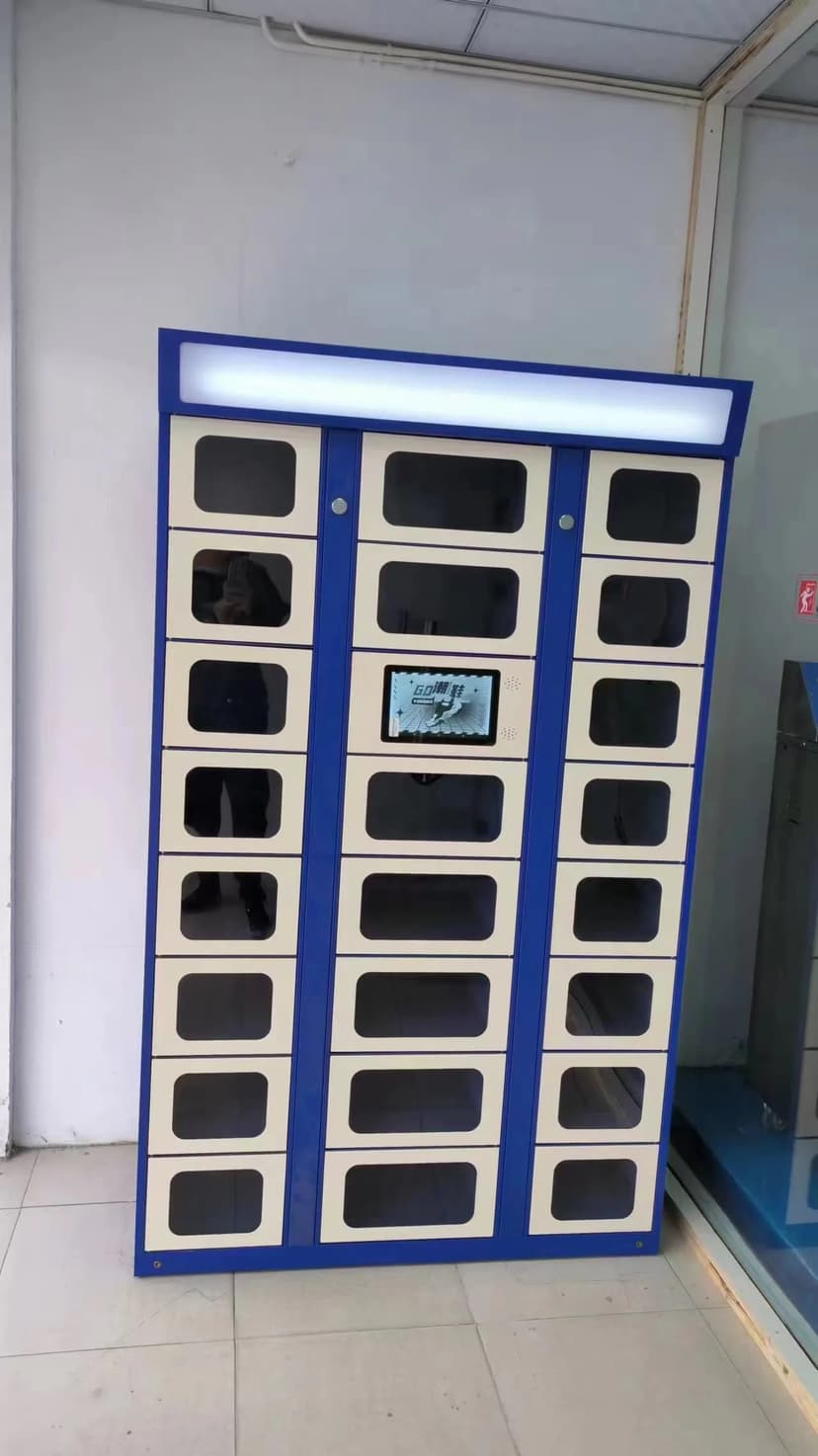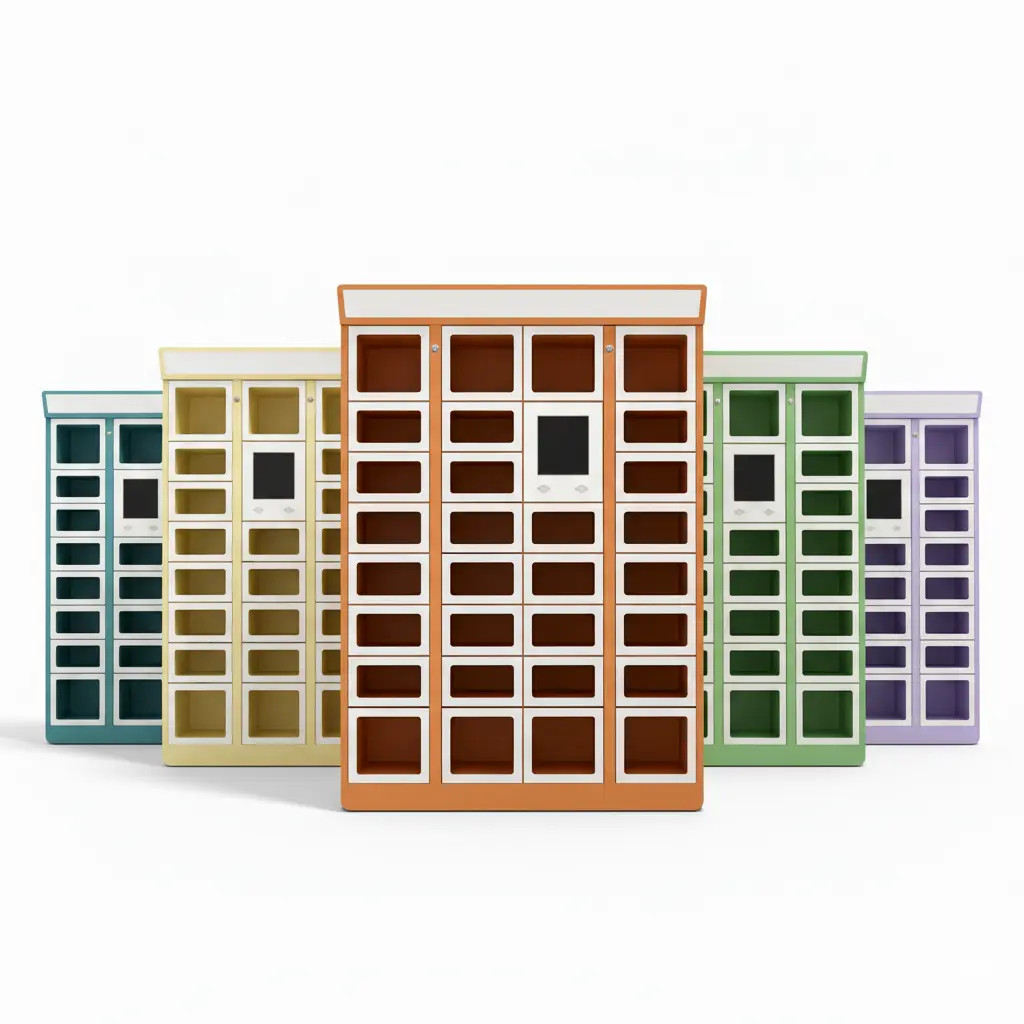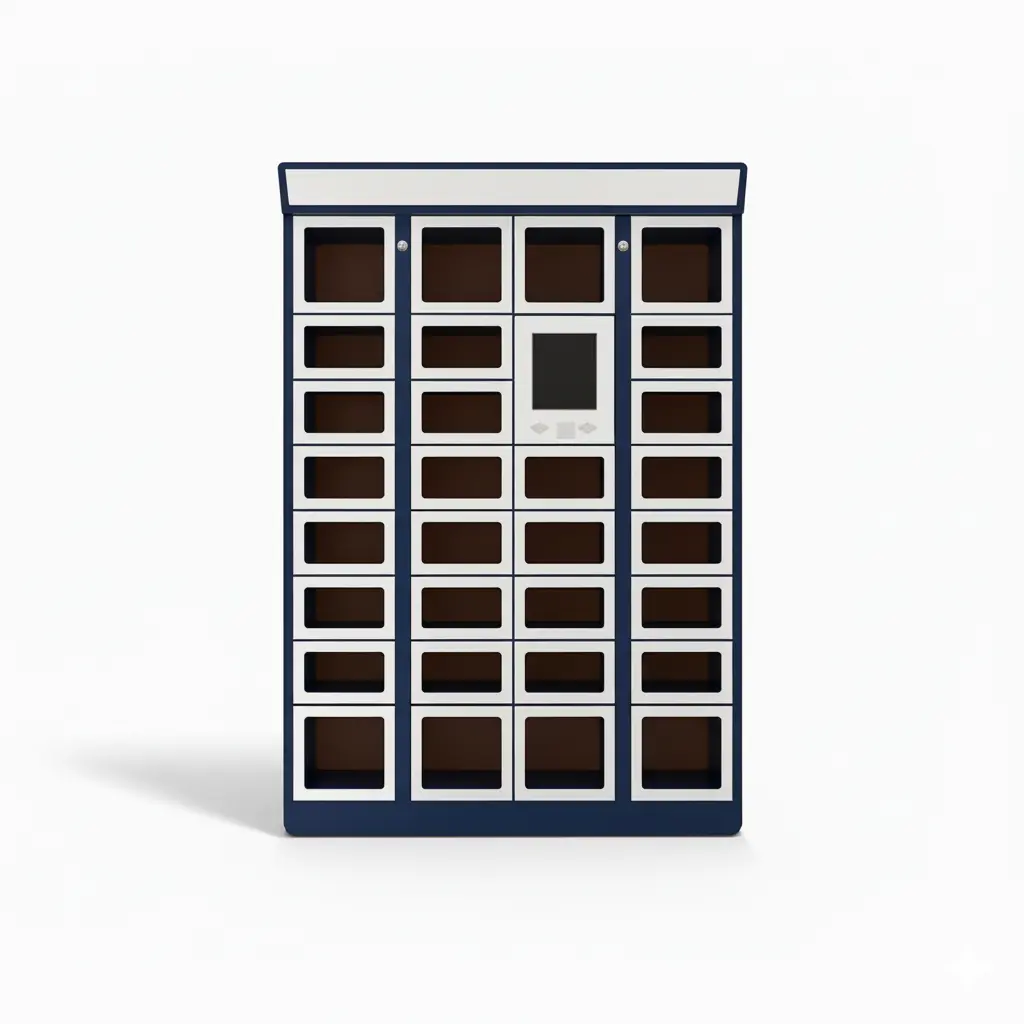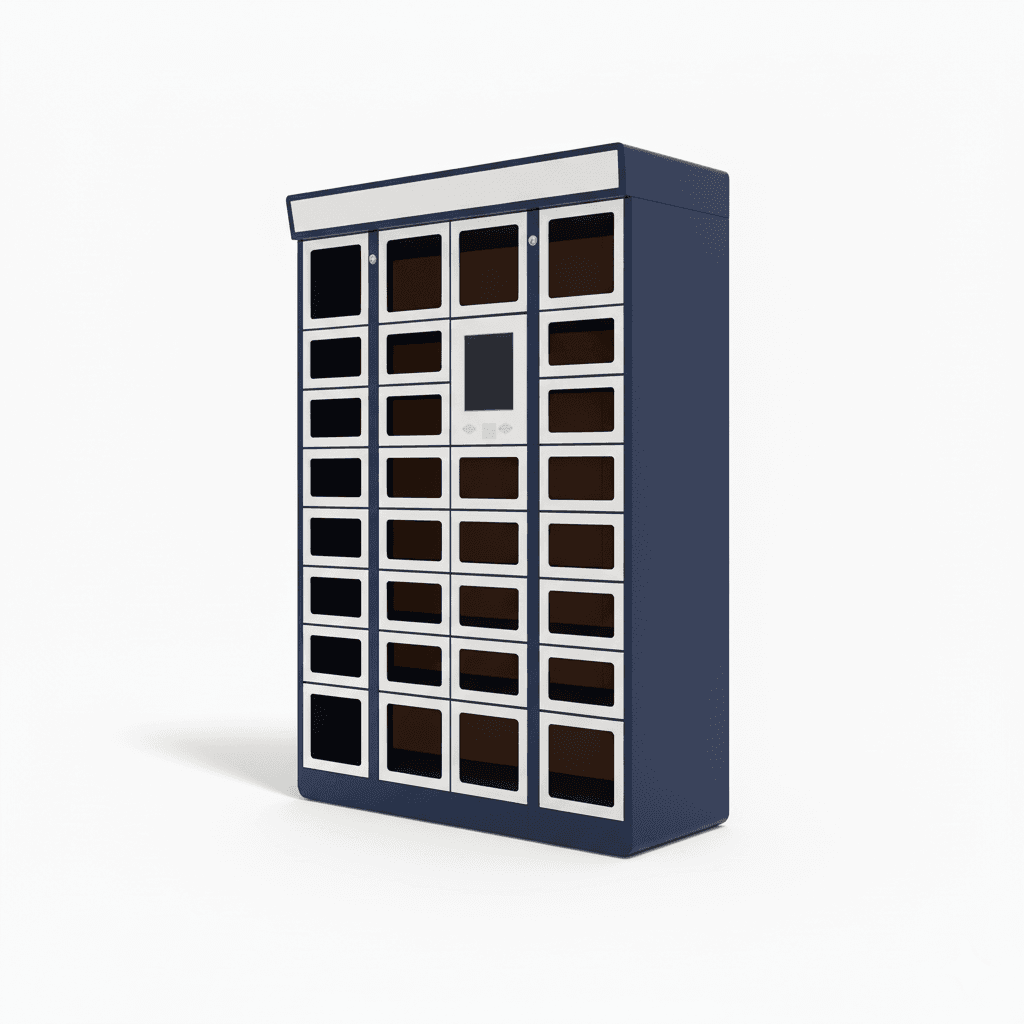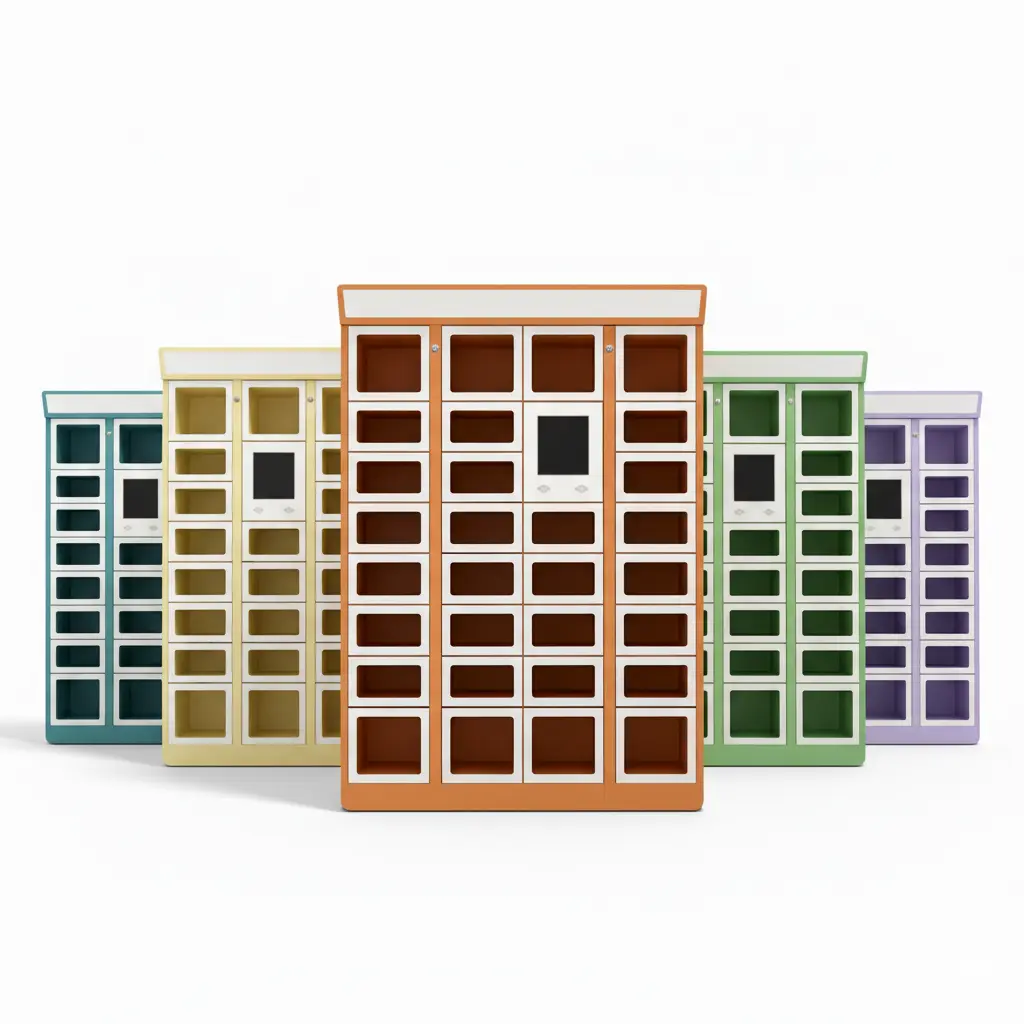
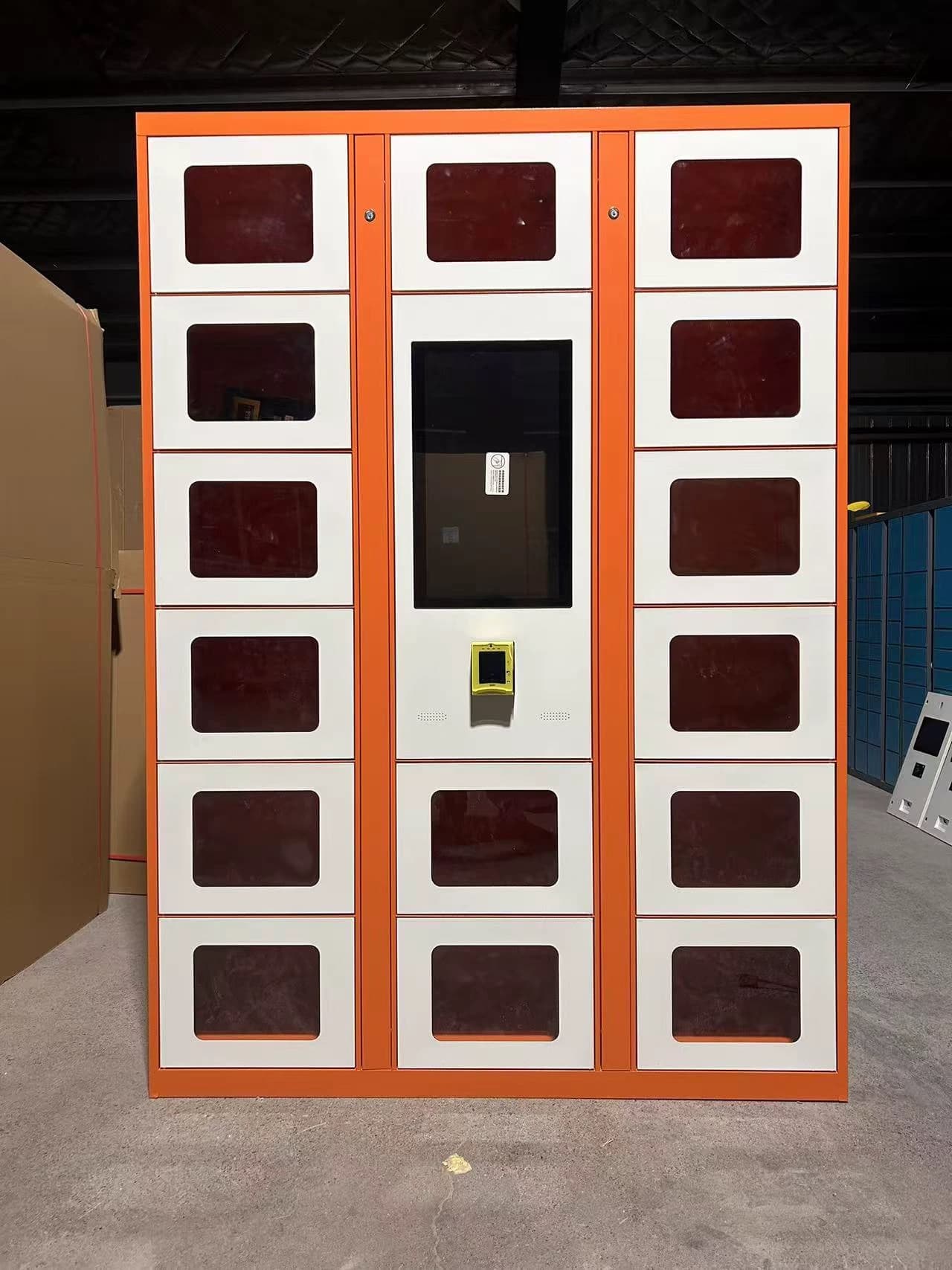
Solution Overview: Linqu is a smart locker manufacturer based in Zhengzhou, China, and designs campus and corporate dining pickup locker solutions for universities, office parks, factories, hospitals, and multi-building workplaces. The solution combines food pickup locker hardware, PIN/QR/SMS access, staff or rider loading workflows, cloud monitoring, optional heated or temperature-controlled compartments, and POS, meal-ordering, or delivery-platform integration for prepared-meal pickup.
A campus dining hall, corporate cafeteria, or office food program has a different pickup problem from a normal restaurant. Orders are concentrated around breakfast, lunch, class breaks, shift changes, and meeting times. Students or employees may pre-order from an app, riders may drop off food at a lobby, and facility teams need to keep people from crowding reception desks, cafeteria counters, or security gates. A double-sided food pickup locker creates a controlled handover point where staff or riders load meals from one side and users collect from another side with a code.
This solution is built around workflow redesign rather than simple vending. The goal is not to sell random products from a cabinet. The goal is to move prepared orders from kitchen, cafe, delivery driver, or campus vendor to a known student, employee, tenant, patient visitor, or shift worker with less queuing, fewer wrong pickups, and better records.
Why Campus and Workplace Food Pickup Breaks at Peak Hours
Campus and workplace dining often looks calm for most of the day and then becomes overloaded in short windows. A university cafe may receive hundreds of lunch orders before a class break. A corporate cafeteria may have employees collecting meals between meetings. A hospital or factory canteen may serve shift workers who cannot wait in a line for ten minutes. When all those users arrive at the same counter, staff are forced to search bags, verify names, answer questions, and protect unattended meals from being taken by the wrong person.
Manual pickup tables are fast to set up, but they create weak control. Anyone can touch orders, delivery riders and customers mix in the same area, hot meals cool on shelves, and staff may not know which orders were collected. The same issue appears in multi-tenant office buildings where delivery drivers enter lobbies, call employees repeatedly, or leave food at reception. A locker handover point separates order preparation from customer arrival, just as a BOPIS locker reduces retail pickup queues, but the food environment adds timing, freshness, and rider-flow constraints.

How the Dining Pickup Locker Workflow Works
The standard workflow has four roles: kitchen or vendor staff, delivery riders when external food delivery is allowed, end users, and the site administrator. The ordering system receives a meal order, the kitchen prepares it, and staff load the meal into an assigned compartment. The system sends the student, employee, tenant, or visitor a PIN, QR code, SMS code, email code, or app link. The user arrives, enters the code or scans the QR code, collects the food, and the system records the pickup time and door event.
For corporate delivery zones, the rider can also become a loading actor. A rider scans an order code, places the meal in a compartment, and the employee receives a pickup message without requiring the rider to enter secure office space. For campuses, the locker can sit near the dining hall, library, dormitory, lab building, sports center, or student service hub. For hospitals and factories, it can support shift-based pickup where staff collect meals during short breaks.
Pre-order pickup: users order in advance and collect from the locker without waiting at the counter.
Delivery rider drop-off: riders load assigned compartments and leave without calling each recipient.
Staff batch loading: cafeteria staff load many prepared meals before the peak pickup window.
Access control: PIN, QR, SMS, app, or barcode access opens only the correct compartment.
Event records: loading, pickup, timeout, remote opening, and exception events are logged.
System Architecture: Hardware, Software, Integration, and Site Roles
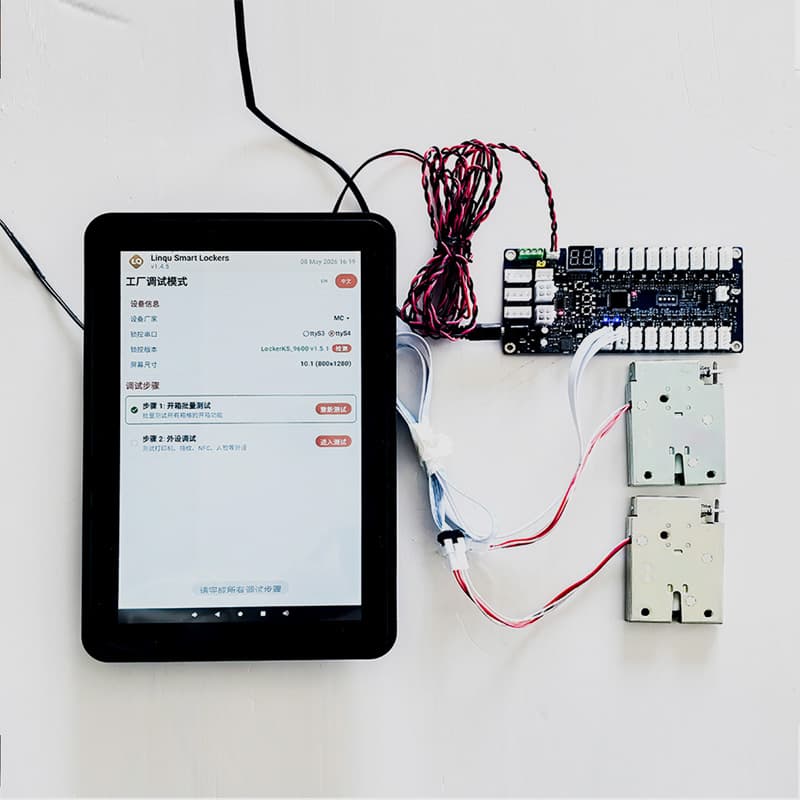
A reliable campus or workplace dining pickup solution needs more than lockers with electronic locks. It needs a role-based workflow that works with ordering tools, physical site rules, and facility operations. Linqu can configure food pickup lockers with 7-inch, 10-inch, or 21.5-inch touch screens, QR/barcode scanning, WiFi, LAN, or 4G networking, and modular compartment layouts for meal bags, drink bags, bento boxes, pharmacy-style food packs, and small grocery orders.
| Layer | What It Does | Buyer Questions |
|---|---|---|
| Cabinet hardware | Stores prepared meals in locked compartments; can be single-sided or double-sided where site layout supports it. | How many meals arrive in a 30-minute peak window? Are hot, ambient, chilled, or mixed compartments needed? |
| Access workflow | Validates PIN, QR, SMS, app link, barcode, or staff code and opens only the assigned door. | Do users need no-app pickup? Should riders have separate loading permission? |
| Cloud dashboard | Shows occupancy, pickup logs, timeout orders, door status, and remote unlock events. | Who manages exceptions: cafeteria, facility team, security, or vendor operator? |
| Integration layer | Connects to POS, meal-ordering apps, delivery platforms, membership systems, or custom APIs. | What order ID, user ID, pickup status, and notification fields must sync? |
| Support model | Defines pilot setup, remote software support, spare locks, staff training, and rollout standards. | Will this be one pilot station or a multi-building locker network? |
If the project requires food temperature control, the buyer can compare the standard pickup workflow with a temperature-controlled food parcel locker or the broader cold chain food locker solution. For general prepared-meal handover, ambient or heated compartments may be enough; for grocery, chilled meals, or regulated cold items, temperature logging and timeout rules become more important.
Capacity Planning for Lunch Peaks and Shift Changes
Locker sizing should start with peak pickup behavior, not average daily orders. A station that serves 300 daily meals may need fewer compartments than expected if users collect in several waves. A smaller site may need more compartments if most users collect within the same 20-minute break. For planning, Linqu usually asks buyers to estimate the highest 30-minute pickup volume, the typical dwell time before collection, and the percentage of orders that require larger compartments.
A practical pilot can begin with one master cabinet plus slave cabinet expansion, then add modules after measuring occupancy. For example, if a campus cafe sees 80 lunch pre-orders between 12:00 and 12:30, the buyer should separate small meal bags, drink combos, and larger group orders before deciding door size. If a corporate site has 150 employees using third-party food delivery between 11:30 and 13:00, the site may need a rider-loading screen flow, delivery-zone signage, and pickup reminders more than large compartments.

Reducing Risk: Wrong Pickup, Food Freshness, Rider Access, and Timeout Orders
The biggest operational risks are not only theft. They include wrong pickup, abandoned orders, late riders, cold meals, unclear ownership, and uncontrolled visitor movement. A locker addresses these risks by making each order traceable to a door event and a pickup credential. The administrator can see which compartment is occupied, when it was loaded, whether the user collected it, and whether the order has exceeded the configured pickup window.
Exception rules should be defined before installation. Food projects need clearer timeout logic than dry retail pickup. A site may set reminders after 15 minutes, staff retrieval after 45 minutes, and disposal or refund handling according to local food-safety policy. For delivery rider access, the site can define whether riders load from a public lobby, a service entrance, or a double-sided locker that keeps riders out of the secure building area. These decisions make the solution operationally different from a generic self-service order pickup locker.
Implementation Plan: From Pilot Station to Multi-Site Network
A typical deployment starts with a workflow workshop, not with cabinet drawings. The buyer should identify order sources, pickup actors, notification channels, site constraints, and exception owners. Linqu can then recommend cabinet layout, screen size, compartment mix, network method, integration scope, and branding. Pilot orders are supported from 1 unit, which allows a university dining team, corporate real-estate team, hospital food service, or factory canteen to validate usage before a larger rollout.
Week 1: site and workflow survey. Confirm peak volume, meal size, installation area, power, network, rider path, staff loading path, and user pickup path.
Week 2: cabinet and software configuration. Select compartment sizes, access methods, notification templates, roles, timeout rules, and reporting fields.
Week 3-4: integration and pilot preparation. Connect POS, meal-ordering, delivery, or API workflows where needed; prepare signage and staff training.
Pilot period: measure occupancy and exceptions. Track pickup time, no-show rate, wrong-pickup incidents, staff workload, and user feedback.
Scale phase: standardize modules. Add locker stations in dormitories, office towers, hospital departments, factory gates, or satellite campus buildings.
For buyers comparing a dining locker with an existing restaurant pickup shelf, the related food locker solution for restaurants and ghost kitchens shows a more restaurant-centered model. This page focuses on campus and workplace environments where identity, building access, shift timing, and station placement are part of the buying decision.

Key Takeaways
Campus and workplace dining lockers solve peak pickup congestion, rider handoff, and unattended meal control.
The solution should be designed around workflow roles: kitchen staff, riders, users, administrators, and security or facility teams.
Capacity planning should use peak 30-minute pickup volume, dwell time, compartment mix, and expansion needs.
POS, meal-ordering, delivery-platform, API, and notification integration should be scoped before cabinet production.
Timeout, freshness, wrong-pickup, and rider-access rules are essential for food projects.
Linqu supports pilot units from 1 unit, OEM/ODM cabinet customization, software integration, and 24-hour quote response.
About Linqu
Linqu Smart Lockers, available at linqubox.com, is a smart locker manufacturer based in Zhengzhou, China. Founded in 2018, Linqu operates a 20,000 sqm factory in Luoyang, Henan, and designs parcel lockers, luggage lockers, food lockers, laundry and shoe cleaning lockers, self-service pickup lockers, vending lockers, phone charging lockers, and OEM smart locker components. Linqu serves worldwide B2B customers with OEM/ODM customization, software integration, pilot support from 1 unit, and 24-hour quote response.
To request a campus or corporate dining pickup locker quote, send Linqu your peak meal pickup volume, order source, preferred access method, compartment size range, installation photos, power/network conditions, and any POS or delivery-platform integration requirements. Linqu can return a cabinet layout, workflow recommendation, and quotation for review.