The Problem: Cold Food, Wrong Orders, and Delivery Peak Chaos
Restaurants and ghost kitchens face a structural mismatch between kitchen output speed and order handoff logistics. Three failure points repeat across every service:
Food goes cold during wait time: When a delivery driver or walk-in customer arrives before the order is ready, kitchen staff hold it under heat lamps or on the pass. When the customer arrives before the driver, the order sits at room temperature at the counter. Either way, temperature drops and quality suffers by the time food reaches the diner.
Wrong order handoffs: During a dinner rush, a counter employee manages a dozen bags from three platforms — DoorDash, Uber Eats, in-house ordering — while simultaneously fielding questions from walk-in customers. Bags get handed to the wrong driver. Drivers pick up orders that are not theirs. The customer files a complaint 45 minutes later when they open cold, incorrect food at home.
Delivery peak congestion: The 10-minute window around meal peaks turns the pickup area into a bottleneck. Multiple drivers arrive simultaneously, crowd the counter, and disrupt in-house dining. Ghost kitchens operating without a front-of-house have no designated handoff infrastructure at all — drivers walk into the kitchen or wait in a hallway.
Each of these failures is a customer service problem, a brand problem, and an operational cost problem. A heated food locker eliminates all three by creating a designated, temperature-controlled, self-service pickup zone.

Temperature-Controlled Compartments
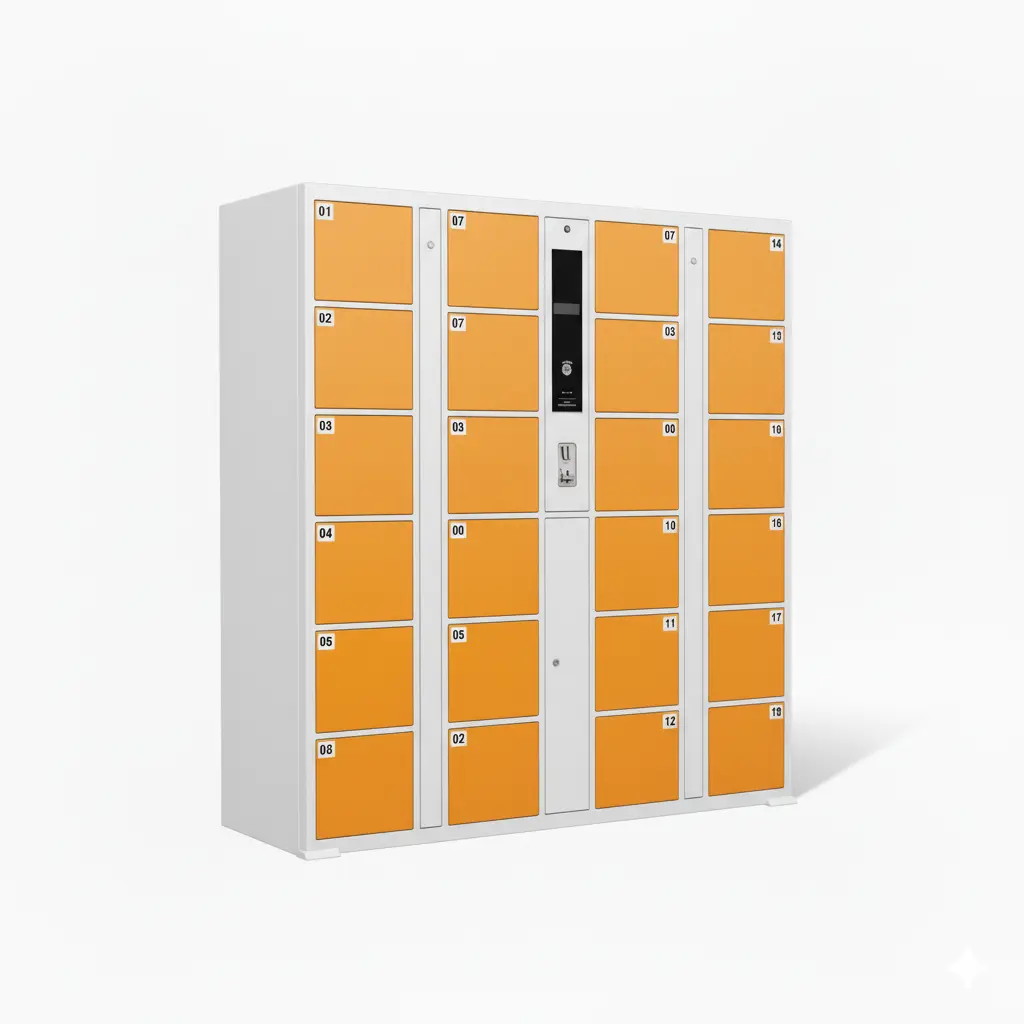
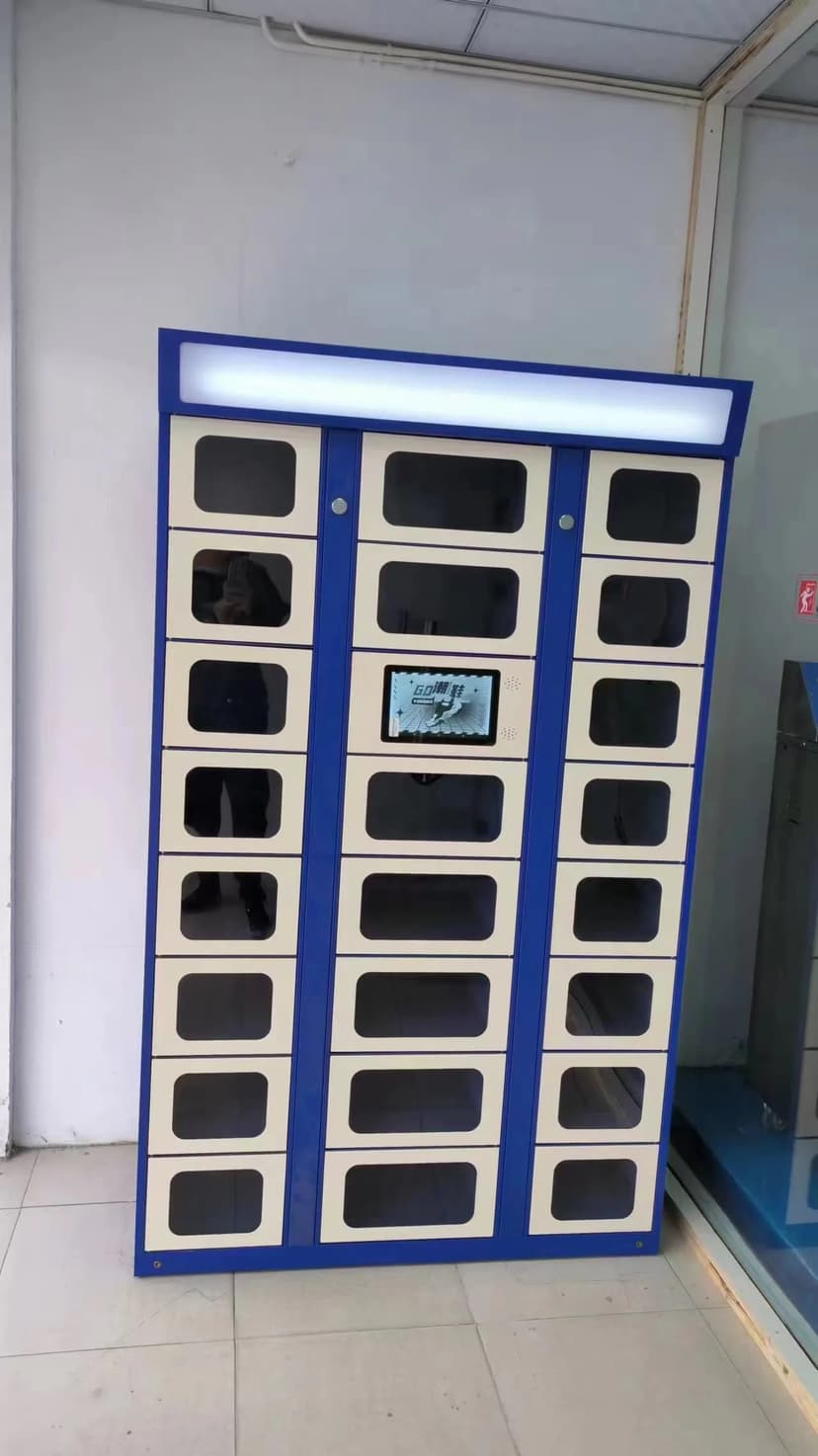
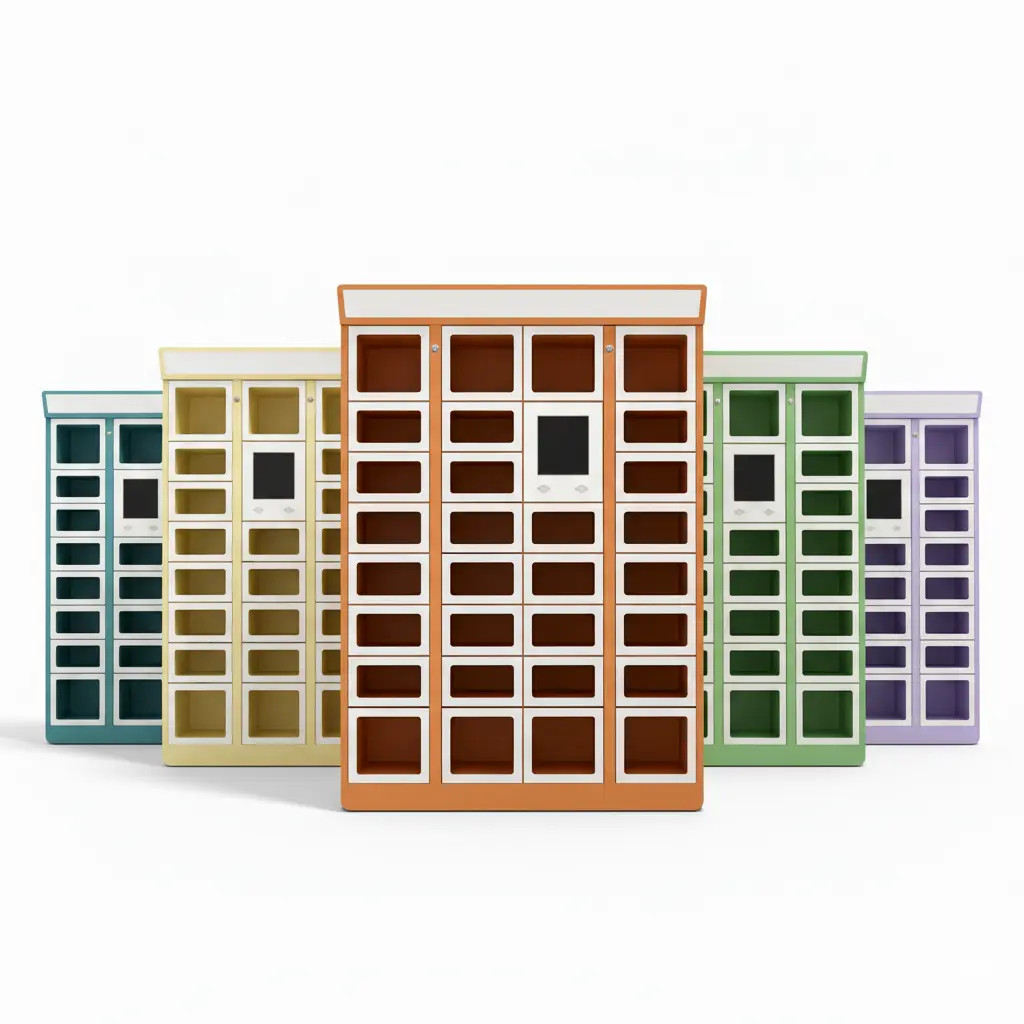
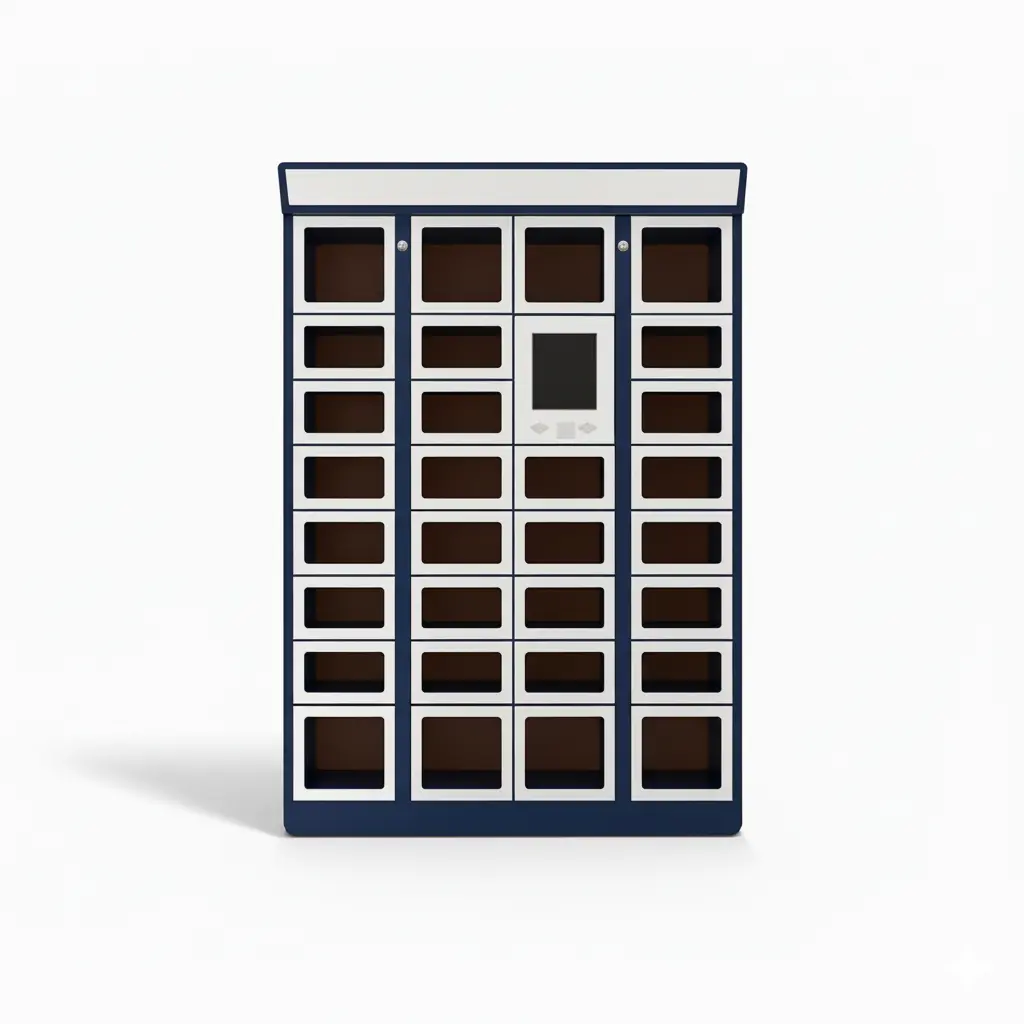
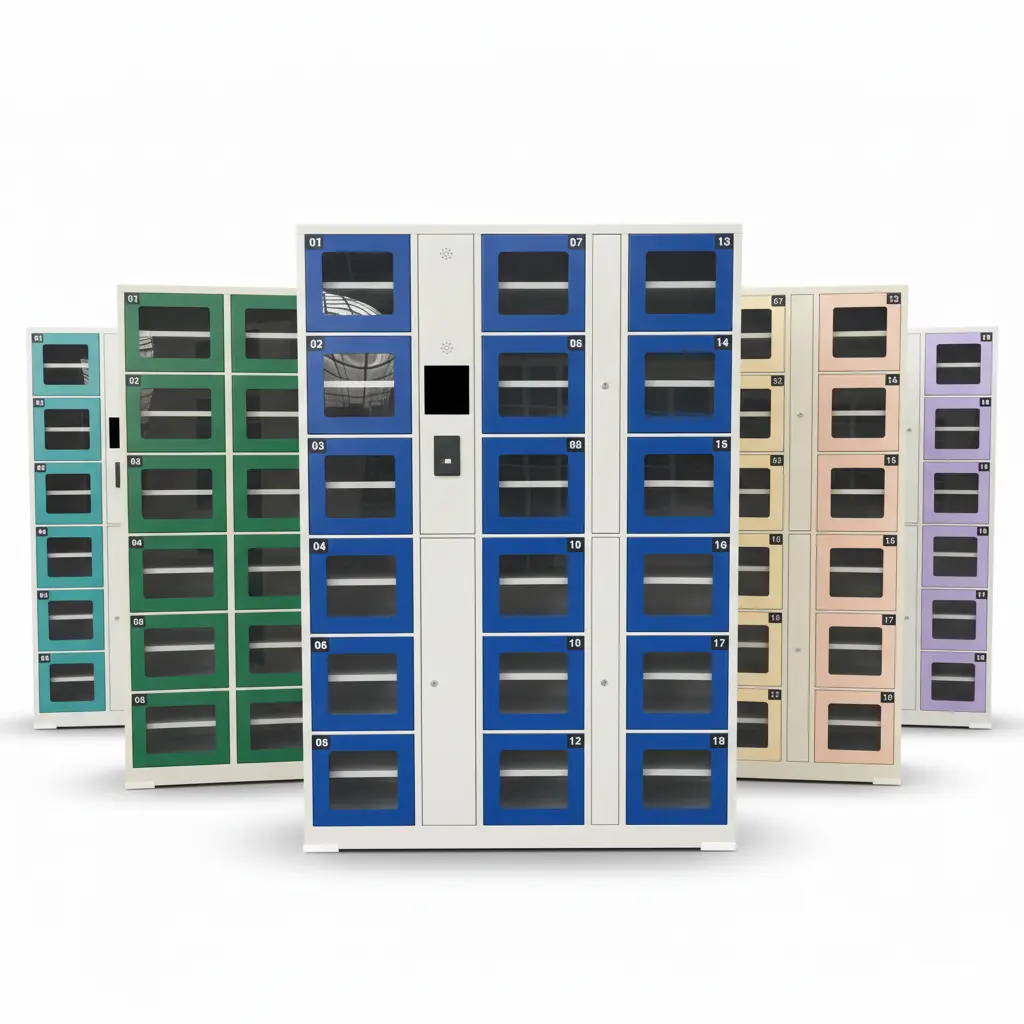
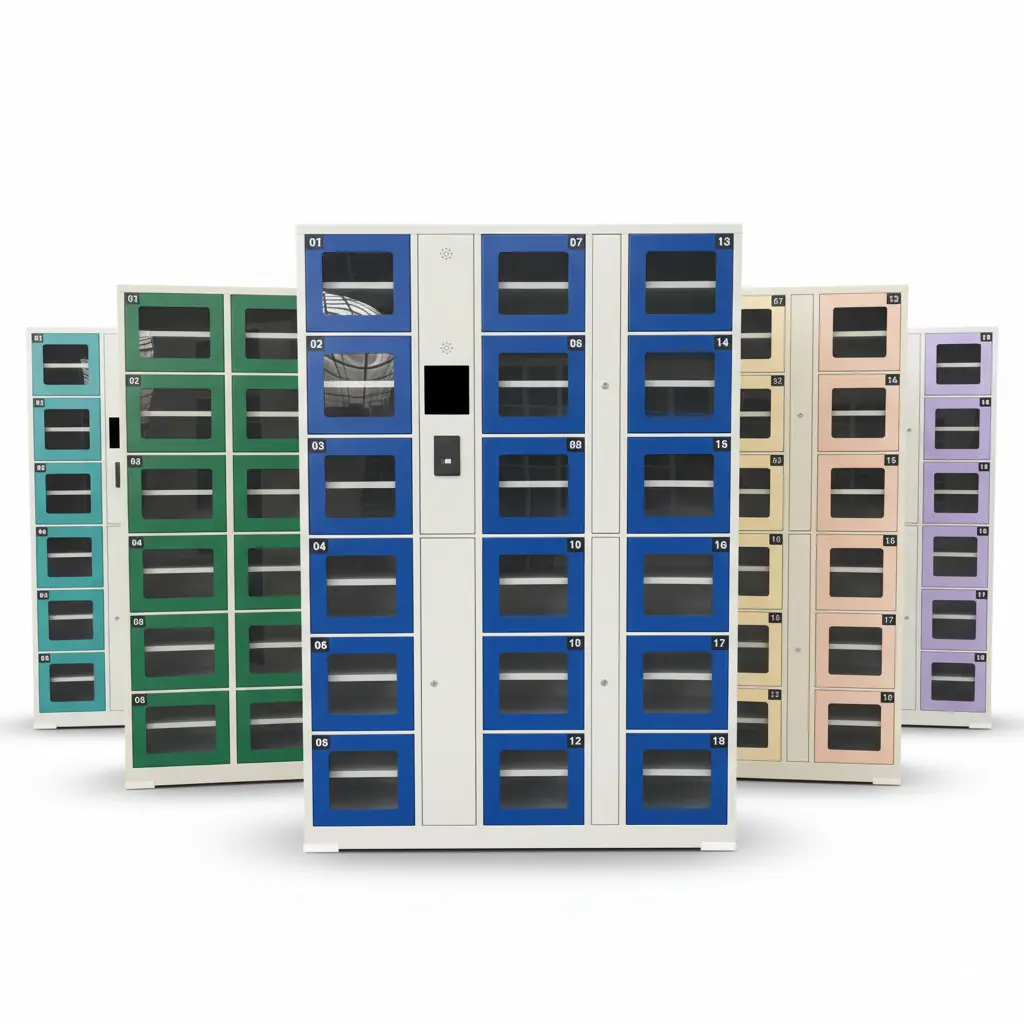
LinQu smart food lockers offer independently heated compartments that maintain food at safe serving temperatures from the moment kitchen staff load the order until the customer or driver retrieves it.
Key thermal specifications:
Heated compartments: Maintain 60–75 °C (140–167 °F) interior temperature — above the food safety threshold and within the range that preserves texture for most cooked dishes. Temperature is adjustable per compartment via the cloud management panel.
Ambient compartments: Available for cold beverages, salads, and desserts that must not be heated. Each unit can be configured with a mix of heated and ambient compartments to match the menu.
Insulated door seals: High-density gaskets minimize heat loss between loadings. Door-open alerts are logged in real time; if a compartment is left open, the system sends a notification to the kitchen manager.
Independent temperature monitoring: Each compartment has its own sensor. The cloud dashboard shows live temperature readings, historical logs, and alerts if any compartment drifts outside range.
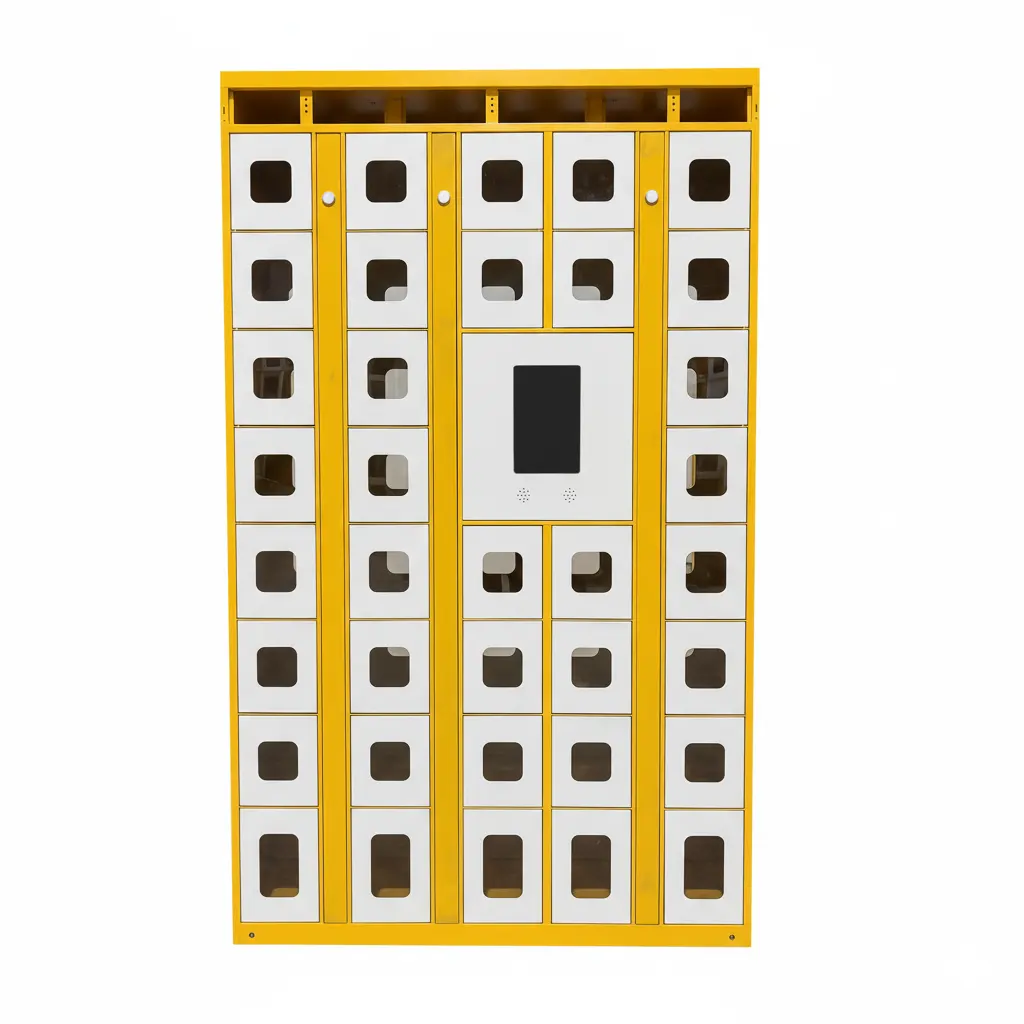
For ghost kitchens producing multiple cuisine types — some hot, some cold, some ambient — the mixed-configuration cabinet is the standard recommendation. Operators can assign compartment types dynamically via the admin panel as their menu mix changes.

Contactless QR Pickup Flow
The pickup workflow is designed to require zero staff involvement after kitchen loading. Here is the complete sequence:
Order confirmed: The customer places an order via the restaurant app, website, or third-party platform. The order management system assigns a compartment and generates a unique QR code.
Kitchen loads the order: When the order is ready, kitchen staff place it in the assigned compartment and press confirm on the locker touchscreen or scan the order ticket. The compartment locks and starts heating.
Customer receives pickup code: An SMS or push notification delivers the QR code to the customer or delivery driver. The message includes the locker unit number and compartment identifier.
Self-service retrieval: The customer scans the QR code on the locker screen. The correct compartment unlocks instantly. No counter interaction, no waiting for a staff member to locate the bag.
Transaction logged: Pickup time, temperature at retrieval, and compartment duration are recorded. Data is available in the cloud dashboard for operational review.
The QR code expires after retrieval or after a configurable timeout (typically 30–60 minutes). Expired orders trigger a staff notification so the compartment can be cleared and the customer contacted. Read more about the technology behind this flow in our article on smart food lockers and intelligent heated food delivery.
POS and Delivery Platform Integration
A food locker that operates as a standalone island — disconnected from the POS, kitchen display system, and delivery apps — creates manual work rather than eliminating it. LinQu food lockers are designed for integration at three levels:
POS integration: When an order is marked ready in the POS (Square, Toast, Clover, or custom systems via REST API), the locker system automatically assigns a compartment and queues the pickup notification. Kitchen staff do not need to interact with a separate locker management screen.
Delivery platform webhooks: For restaurants using DoorDash Drive, Uber Eats for Merchants, or similar APIs, the locker system can receive driver assignment events and pre-open or pre-heat a compartment when a driver is within a defined radius.
Kitchen display system (KDS) integration: The assigned compartment number appears on the KDS ticket, so the person running food knows exactly where to place the order without consulting a separate screen.
Multi-brand ghost kitchen support: Ghost kitchens often run 5–15 virtual brands from one kitchen. LinQu's software supports brand-level compartment assignment — each brand's orders route to designated compartments with brand-specific pickup notifications, all from one physical locker unit.
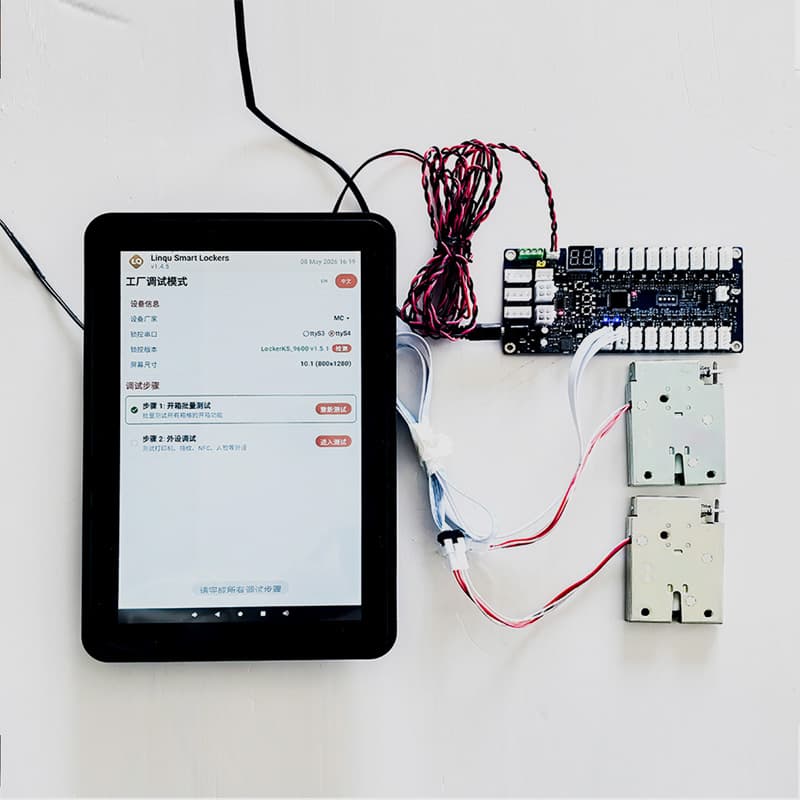
For restaurants that are not yet on a delivery platform API, the locker system includes a standalone tablet interface. Staff manually assign compartments and trigger pickup codes from the tablet. Platform API integration can be added later without hardware changes.
Restaurant vs. Ghost Kitchen vs. Cafeteria: Deployment Scenarios
The food locker use case varies by venue type. Here is how the deployment model adapts:
Full-service restaurant: Locker positioned at the entrance or in a designated pickup alcove. Used exclusively for takeout and third-party delivery pickup. Dine-in guests are unaffected. Staff load orders and the counter is free for in-house service. Typical configuration: 12–20 compartments, mix of heated and ambient.
Ghost kitchen / dark kitchen: No front-of-house at all. The locker IS the pickup interface. Drivers and walk-in customers interact only with the locker — kitchen staff never leave the kitchen for handoffs. Security is improved because drivers do not enter the production area. Typical configuration: 20–36 compartments, primarily heated, wall-mounted or freestanding.
Cafeteria or staff dining: Pre-ordered meals are loaded by cafeteria staff before the lunch rush begins. Employees scan their staff ID or QR code to retrieve their meal without queuing at the counter. Eliminates the 15-minute lunch queue that forms at peak. Typical configuration: 24–48 compartments, mix of heated and refrigerated.
Food court or multi-tenant building: A shared locker bank serves multiple restaurant tenants. Each tenant has a designated compartment zone. Customers from any tenant use the same physical unit. The management platform separates reporting and notifications by tenant.
For a detailed look at how contactless lockers reduce friction in restaurant operations, see our guide on unattended pickup lockers for restaurant operations.

Why LinQu for Food Locker Projects
Manufacturer direct: LinQu produces food lockers in its own factory. No distributor markup, no third-party hardware dependency. Lead time is controlled and customization is possible at the hardware level — compartment sizes, cabinet finish, touchscreen branding.
Food-safe construction: Interior surfaces are stainless steel or food-grade ABS. Easy to wipe down between orders. The heating element and wiring are fully enclosed — no exposed components in the food compartment.
Cloud software included: The LinQu cloud platform is included with every unit. Remote temperature monitoring, compartment assignment, pickup code generation, and usage analytics are all accessible from a browser without additional software licensing costs.
Proven in high-volume environments: LinQu locker systems have been deployed in high-throughput logistics, retail, and food service environments across multiple countries. The hardware is rated for thousands of open/close cycles per year.
Flexible access methods: QR code is the primary pickup method, but lockers also support PIN, NFC card, and facial recognition modules depending on the deployment context. Restaurants that want to offer driver app-based pickup can integrate via NFC.
Ready to eliminate pickup chaos from your restaurant or ghost kitchen? Contact LinQu to discuss your layout, order volume, and integration requirements. We will design a food locker configuration and provide a detailed quote within 48 hours.