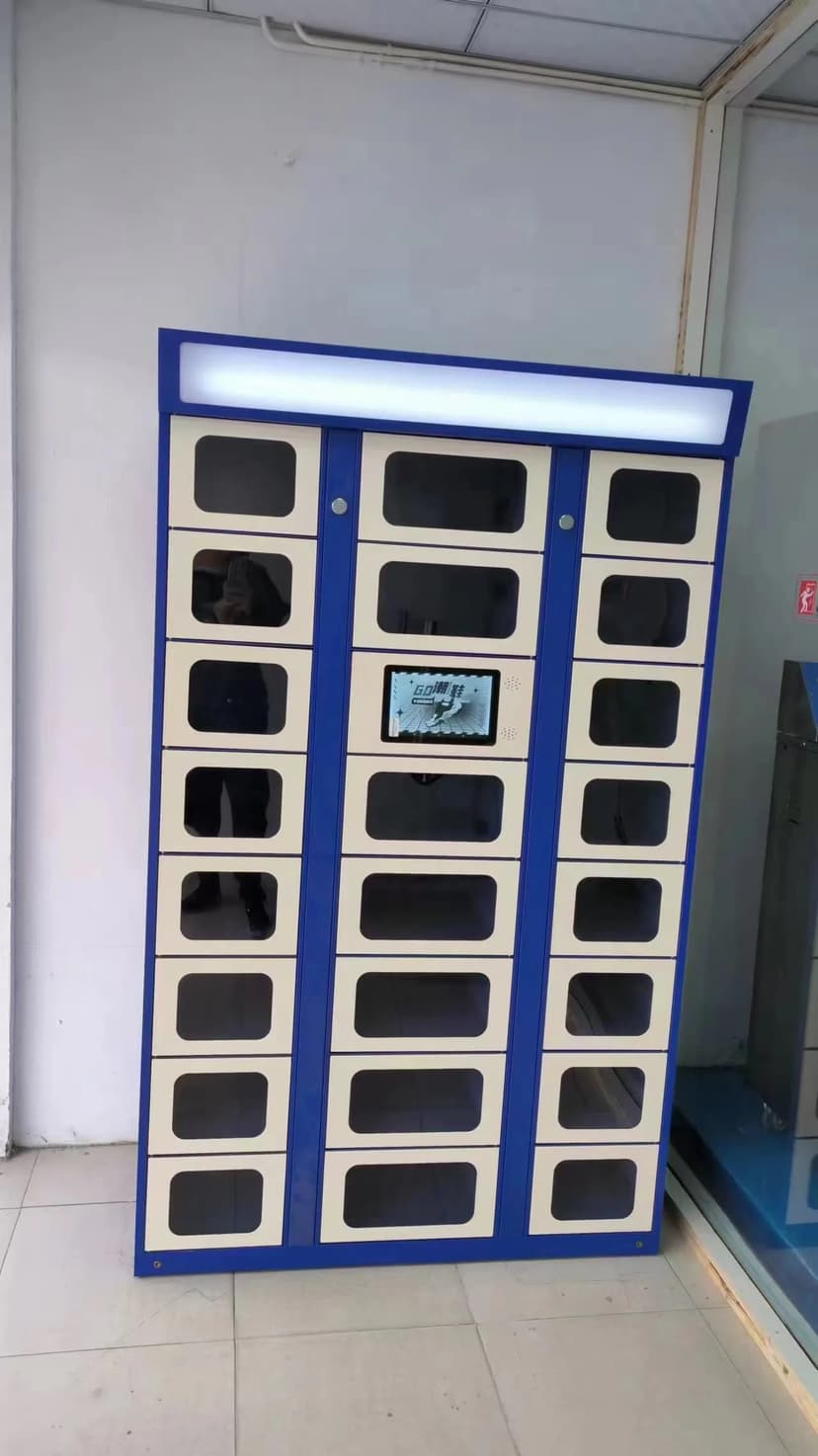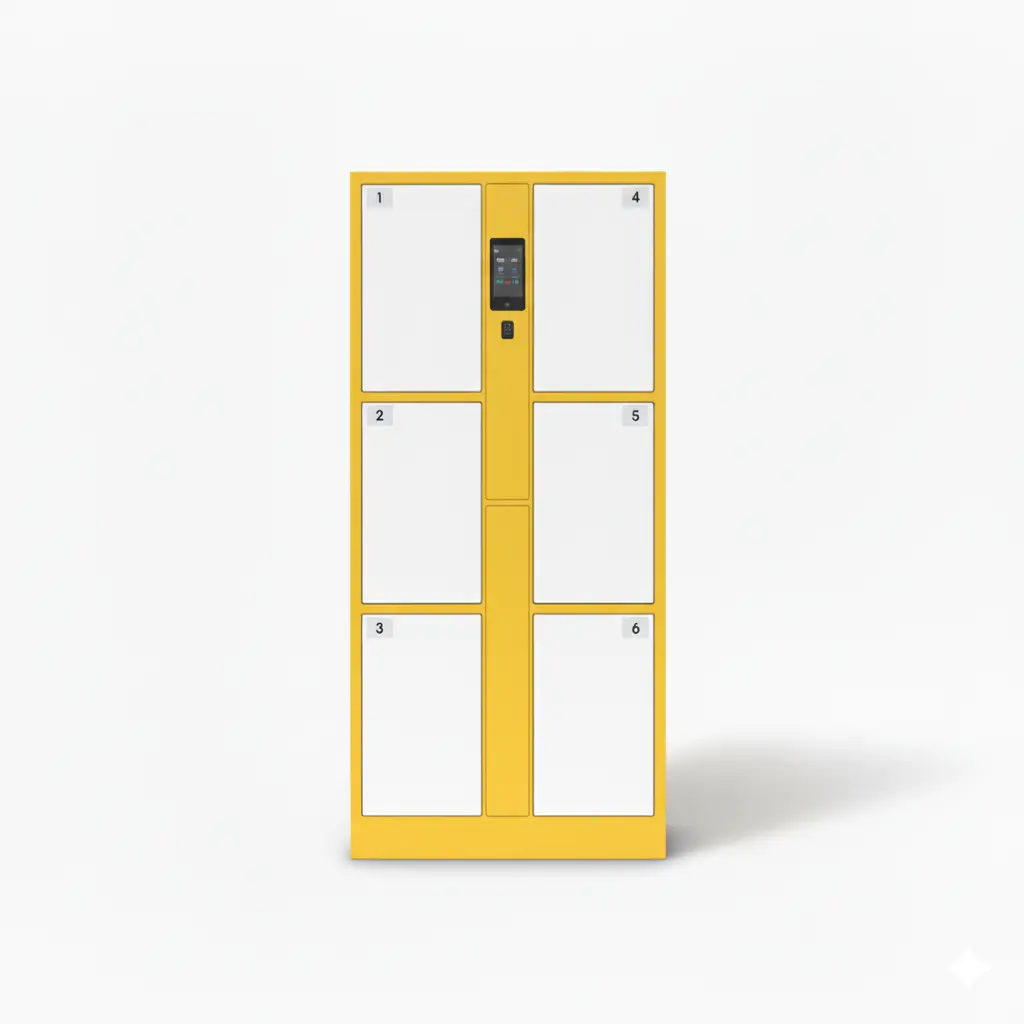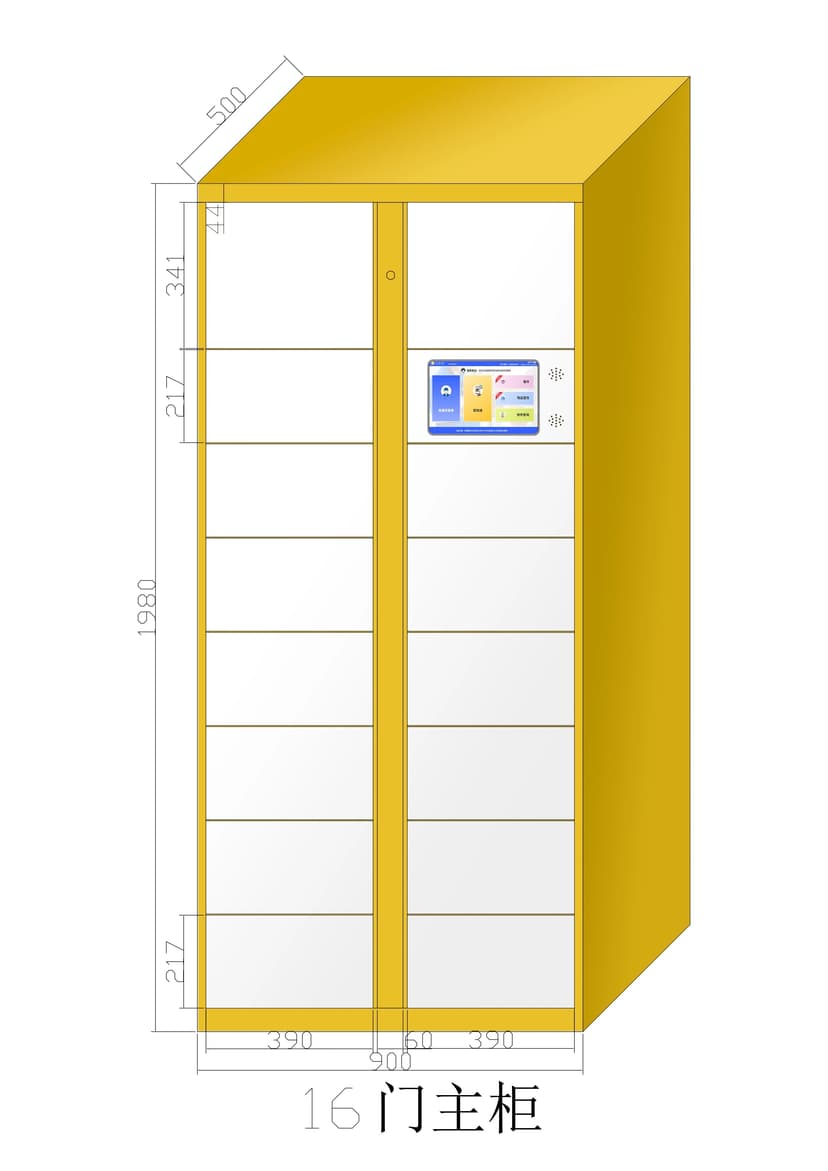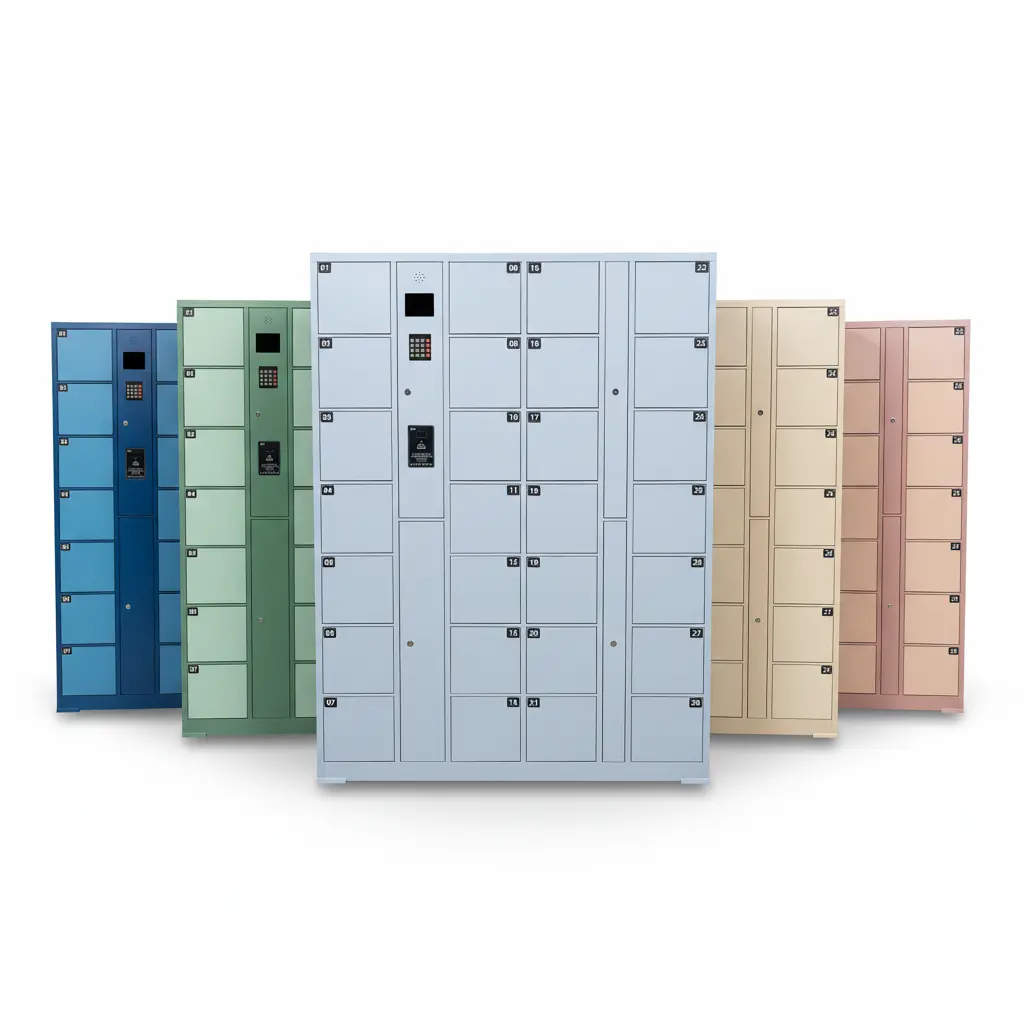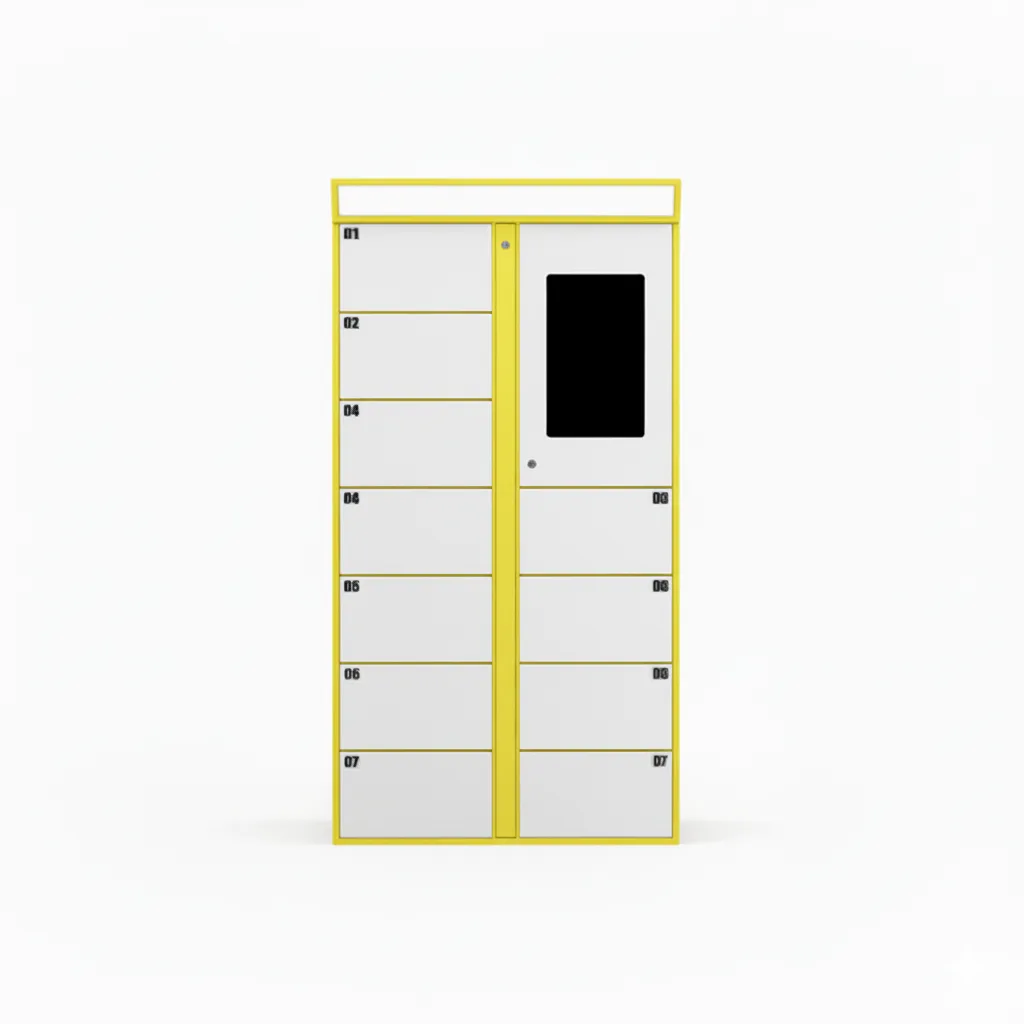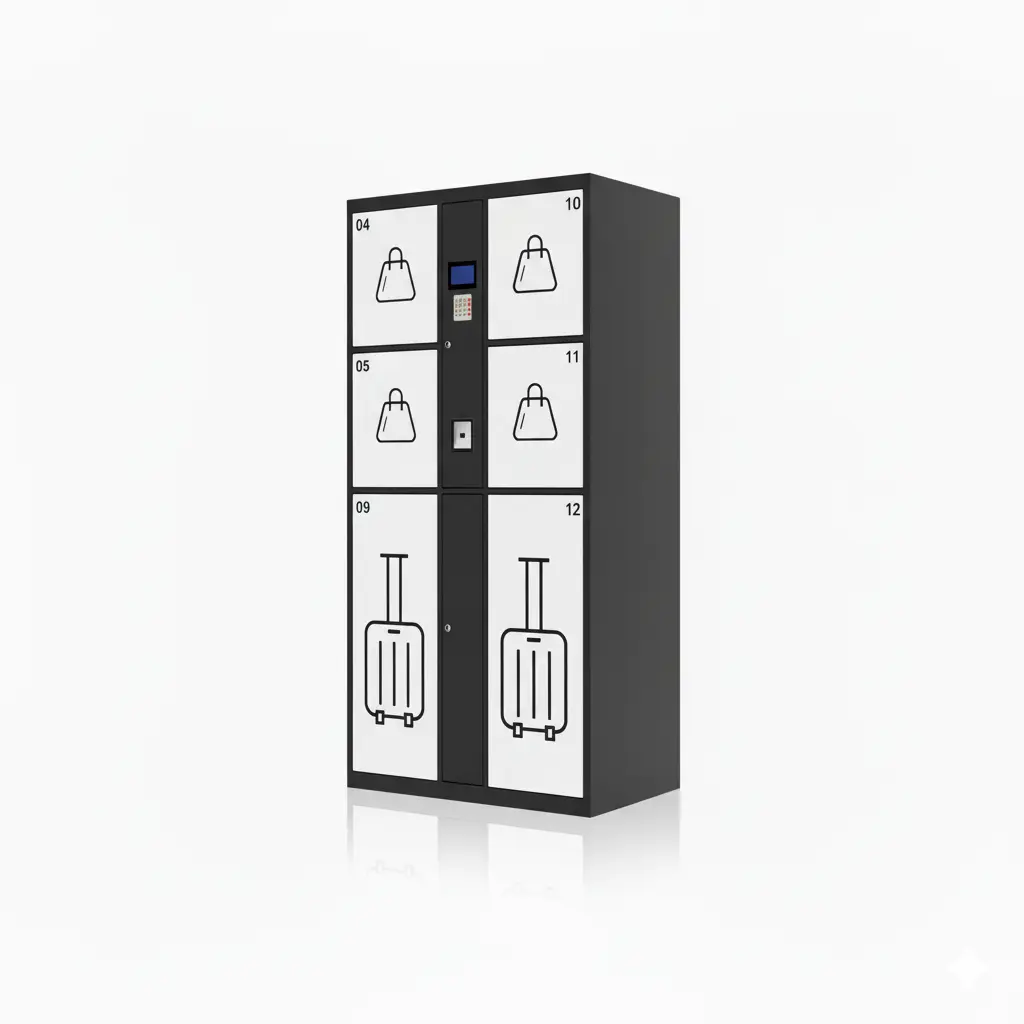
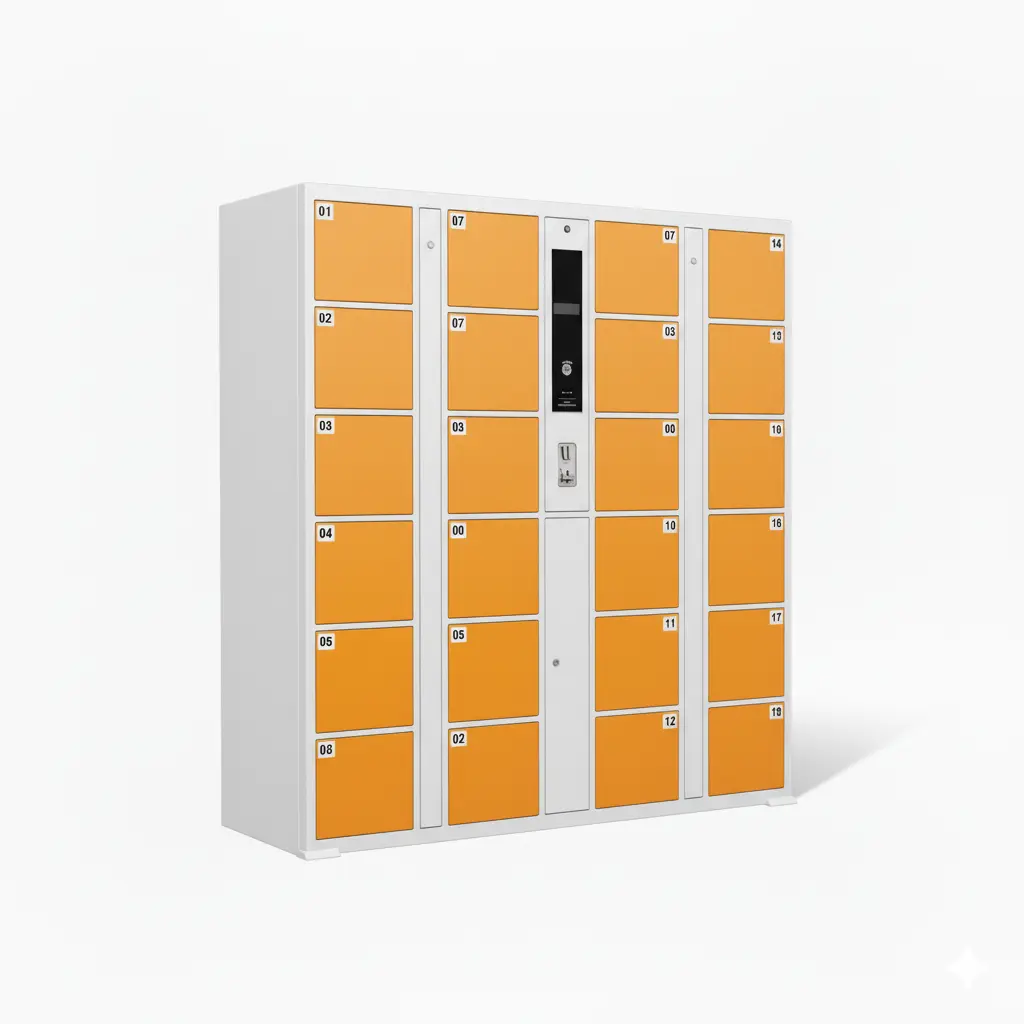
Self-service smart lockers run in one of two directions. Either staff deposit and the customer collects — the business places something the customer has already bought, and the customer picks it up with a code — or the customer deposits and staff collect — the customer drops something off for the business to process. Deciding which direction your business needs comes before choosing compartment sizes, notifications, payment or staff permissions. Many laundry and shoe-care businesses need both. Linqu, a smart locker manufacturer based in Zhengzhou, China, builds lockers for both workflows; this guide explains how to tell them apart and what each one changes in the configuration.
The Two Workflows at a Glance
| Staff deposit, customer collects | Customer deposits, staff collect | |
|---|---|---|
| Who acts first | Staff | Customer |
| What goes in the locker | Something already bought or finished | Something waiting to be processed |
| Who gets notified | The customer (receives a pickup code) | The business (knows a new item has arrived) |
| Typical businesses | Online and in-store order pickup, print materials and custom goods, dry food, repaired items | Laundry and dry-cleaning drop-off, shoe-care drop-off, items left for repair, document submission |
A simple test: is the item in the locker something you are giving to the customer, or something the customer is giving to you? The answer usually settles the question.

Staff Deposit, Customer Collects: When the Customer Has Already Bought
How it works: a staff member logs in on the locker, chooses a compartment, enters the customer's phone number and places the item inside. The system texts the customer a pickup code, and the customer opens the compartment with that code at any time. The details of the code flow are covered in how SMS pickup code lockers work.
Signs this is the workflow you need:
- The time an order is ready rarely matches the time the customer can come.
- Your counter is regularly crowded with orders waiting to be handed over.
- Staff spend time phoning customers to arrange pickups.
What to decide when configuring it:
- Compartment sizes follow your order sizes. If many orders are boxes or rolls, add more large compartments.
- Staff accounts. Only staff can deposit. Administrators manage the back office and can open compartments remotely.
- Uncollected items. Decide how many reminders to send and when an administrator should retrieve the item.
A real example: a US print materials seller has staff place finished orders into the locker, customers collect after closing time, and the business later ordered more main and secondary cabinets. Read the case study.
Customer Deposits, Staff Collect: When the Customer Hands Something to You
How it works: the customer chooses a compartment on the locker and places their item inside, paying first if your service requires it. The system notifies the business, and staff open the compartment later to collect and process the item.
Signs this is the workflow you need:
- Customers drop items off at scattered times, often when you are closed.
- Someone has to stay at the counter just to receive drop-offs.
- You need to take payment or record details at the moment of drop-off.
What to decide when configuring it:
- Payment at drop-off. If the service is paid in advance, the locker supports QR code payment and card payment through a card reader, and can be connected to mainstream local payment platforms at no extra charge. See pay-per-use smart lockers with QR payment.
- Identifying the owner. The customer's phone number is linked to the item at drop-off.
- Collection rounds. How often staff empty the locker depends on your processing rhythm; the locker records when each item was deposited.

Many Businesses Need Both: One Locker, Two Directions
Laundry, dry cleaning and shoe care are the clearest two-way businesses. The customer deposits dirty clothes or shoes, staff collect them for cleaning, staff deposit the finished items back into the locker, the system sends a code, and the customer collects.
When one locker runs both workflows, plan these points in advance:
- Whether drop-off items and finished items use separate compartment zones or share the same compartments.
- The wording of the two notifications — "we have received your items" and "your order is ready".
- Rules for lost or damaged items and uncollected orders. Our guide to laundry locker exception handling covers these in detail.

A Quick Decision Checklist
| Answer these first | What the answer points to |
|---|---|
| Is the item something you give the customer, or something the customer gives you? | You give → staff deposit, customer collects. Customer gives → customer deposits, staff collect. Both → two-way. |
| Do you need to take payment at drop-off? | Yes → include a payment module. |
| Who mainly needs to be notified? | The customer → SMS pickup codes. The business → new-item alerts. |
| How large are the items, and how much do sizes vary? | This sets the mix of small and large compartments. |
| Will you expand later? | Start with one main cabinet and add secondary cabinets later — see our order pickup locker solution for print shops and custom goods. |
Three Common Mistakes When Choosing a Workflow
- Choosing by product name instead of by direction. A "pickup locker" and a "laundry locker" can share the same cabinet. What differs is who deposits, who is notified and whether payment happens at the locker. Start from the workflow, then choose the cabinet.
- Forgetting the return trip in a two-way business. A laundry service that plans only for drop-off soon finds the same compartments are also needed for finished orders. Size the locker for both trips, not just the first one.
- Leaving uncollected items undefined. In both directions, some items will sit in the locker longer than expected. Agree in advance how many reminders go out, when an administrator retrieves the item, and where it goes next.
Frequently Asked Questions
Can one locker switch between the two workflows?
Yes. A two-way locker runs drop-off and pickup on the same cabinet; how the compartments are divided between the two is set according to your business.
Do customers need an app?
No. In the staff-deposit workflow, customers receive a pickup code by SMS and enter it on the touchscreen.
Which products fit each workflow?
For staff deposit, see our self-service order pickup locker. For laundry drop-off and pickup, see our 24/7 laundry locker for dry cleaners.
What Linqu Provides
- Both workflows are supported, and two-way workflows can be tailored to your business.
- Notifications: SMS is standard; email and WhatsApp can be developed on request.
- Payment: QR code payment and card payment via card reader, with free connection to mainstream local payment platforms.
- Businesses with their own systems can connect through an open API, with the scope confirmed per project.
- Minimum order of one unit; compartments, colour, logo and screen size can be customized.
Key Takeaways
- First decide whether the locker holds items you give to customers or items customers give to you.
- Staff deposit, customer collects suits order pickup, custom goods and repaired-item handover.
- Customer deposits, staff collect suits laundry, shoe-care and repair drop-off, often with payment at drop-off.
- Laundry and shoe-care businesses usually need both directions — plan compartment zones and two separate notifications.
- Start with one main cabinet and add secondary cabinets as volume grows.
About Linqu
Linqu is a smart locker manufacturer founded in 2018 in Zhengzhou, China, with its own factory in Luoyang. We build self-service pickup lockers and laundry lockers for B2B buyers worldwide, supporting both staff-deposit and customer-deposit workflows, with OEM/ODM customization from one unit.
Not sure which workflow fits? Tell us what goes into the locker, who puts it there and who takes it out, and we will recommend a configuration and send a quote within 24 hours.