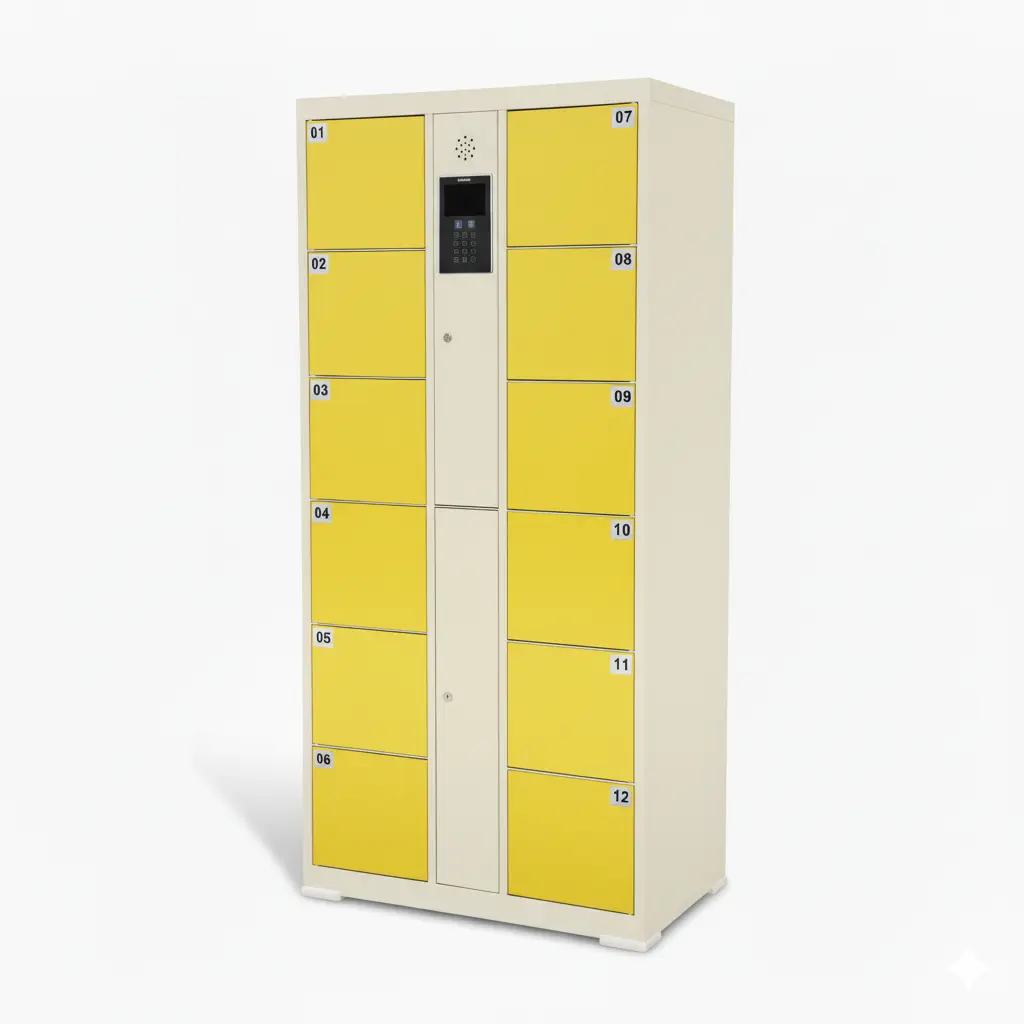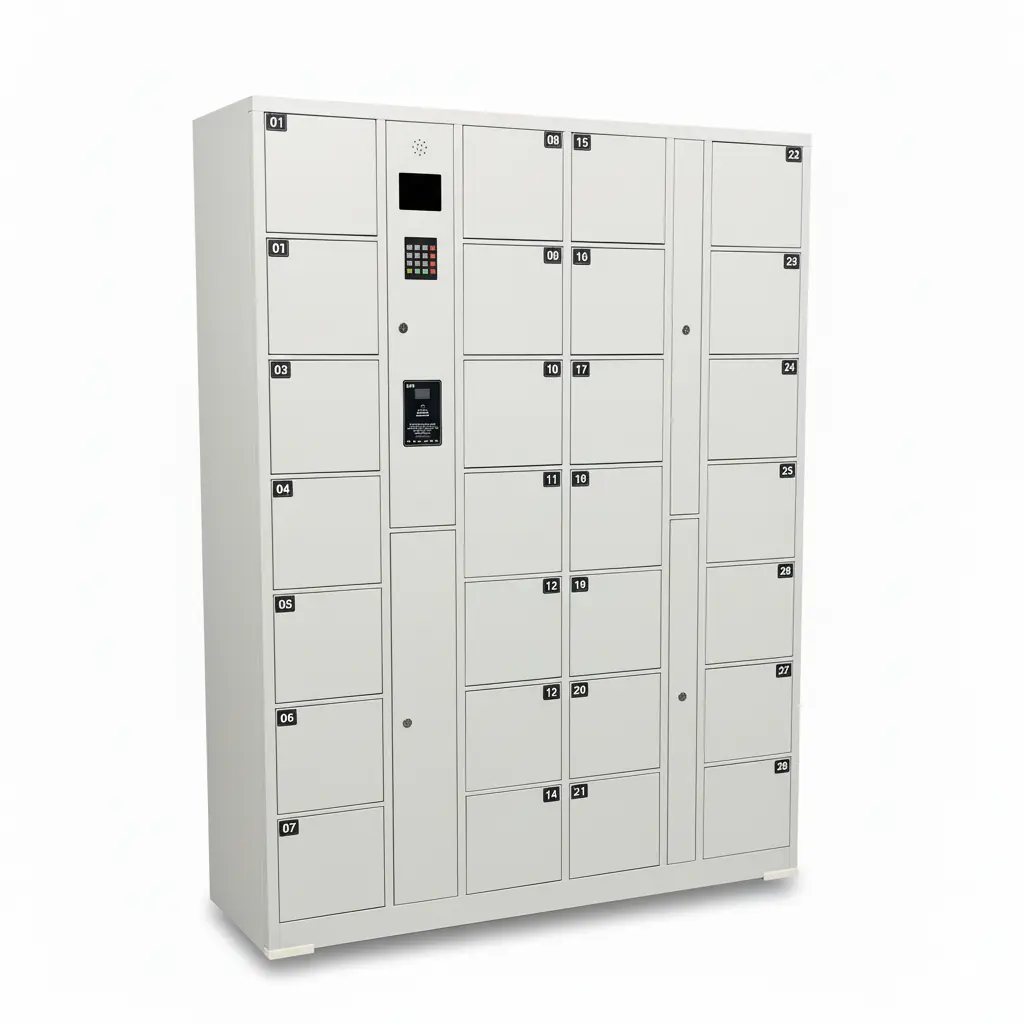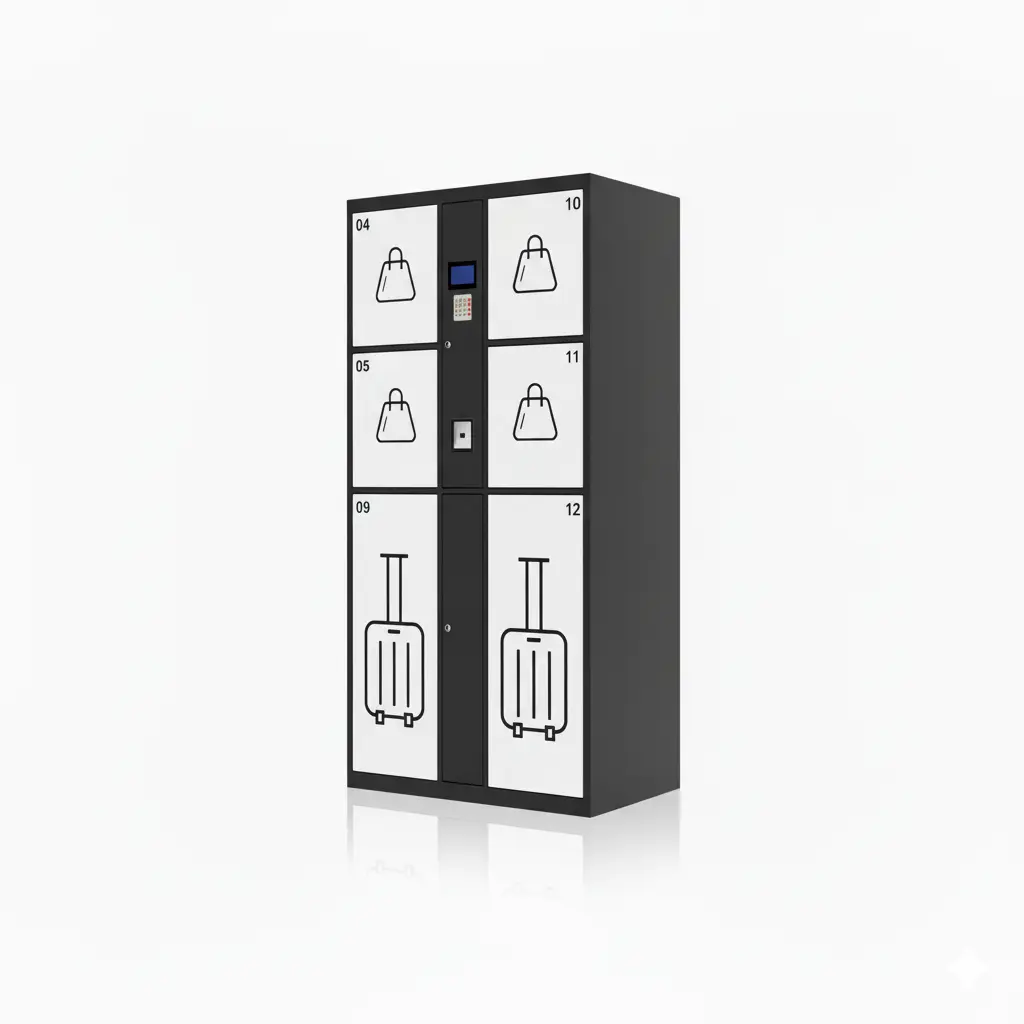
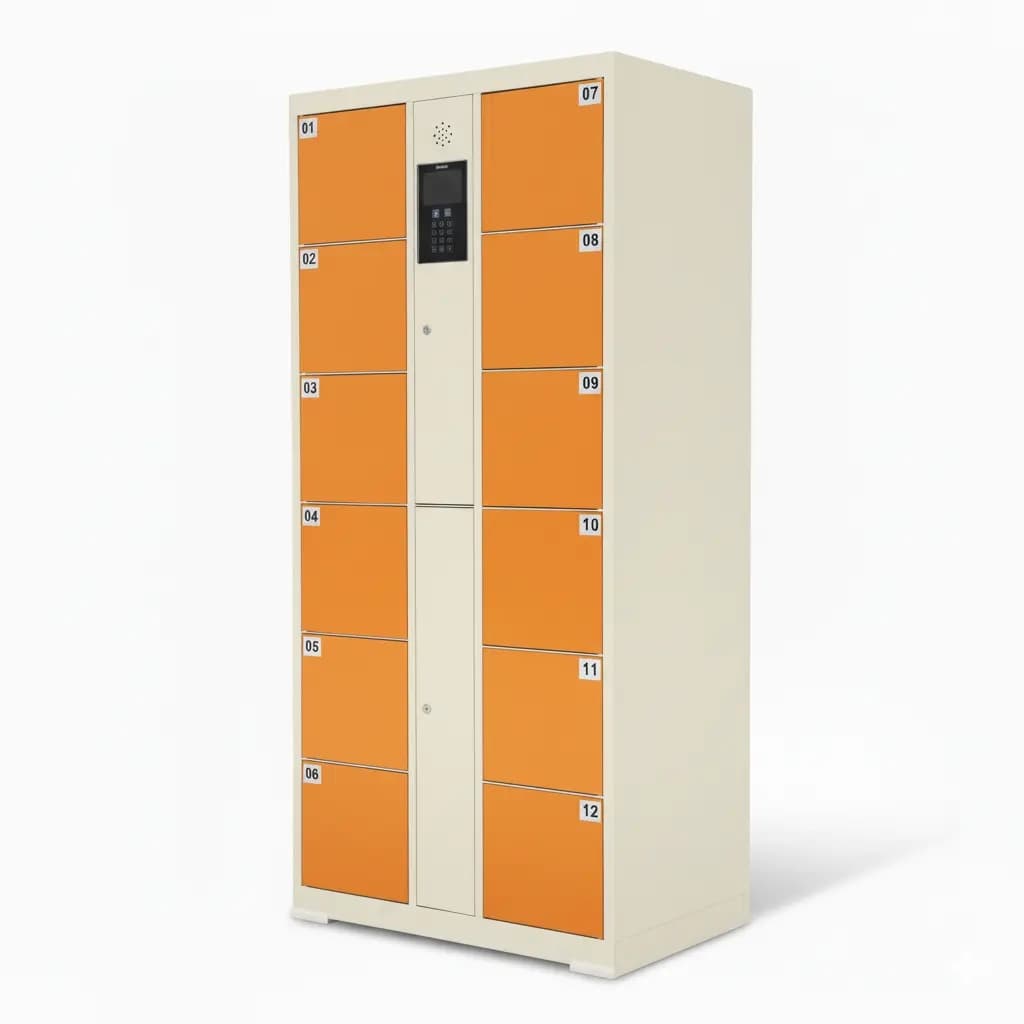
Pay-per-use smart lockers let a venue charge users only when they store, pick up, rent, or retrieve items through a self-service locker. Linqu is a smart locker manufacturer based in Zhengzhou, China, and designs pay-per-use locker systems that combine cabinet hardware, QR payment, temporary PIN codes, cloud management, and OEM/ODM customization for B2B projects.
The model is useful when a locker is not just an equipment purchase but an operating asset. Airports can charge for timed luggage storage, campuses can charge for after-hours services, gyms can charge for secure charging or personal storage, and stores can combine free pickup with paid overtime. Compared with a manual counter, a pay-per-use locker records payment, compartment use, opening time, timeout rules, and pickup history in one digital workflow.
What is a pay-per-use smart locker?
A pay-per-use smart locker is a self-service locker that connects access control with a payment or billing rule. The user scans a QR code, pays through a local payment channel or online checkout, receives a temporary PIN code or QR pickup code, and opens the assigned compartment. The PIN code is single-use or time-limited, so it cannot be reused after the transaction is complete.
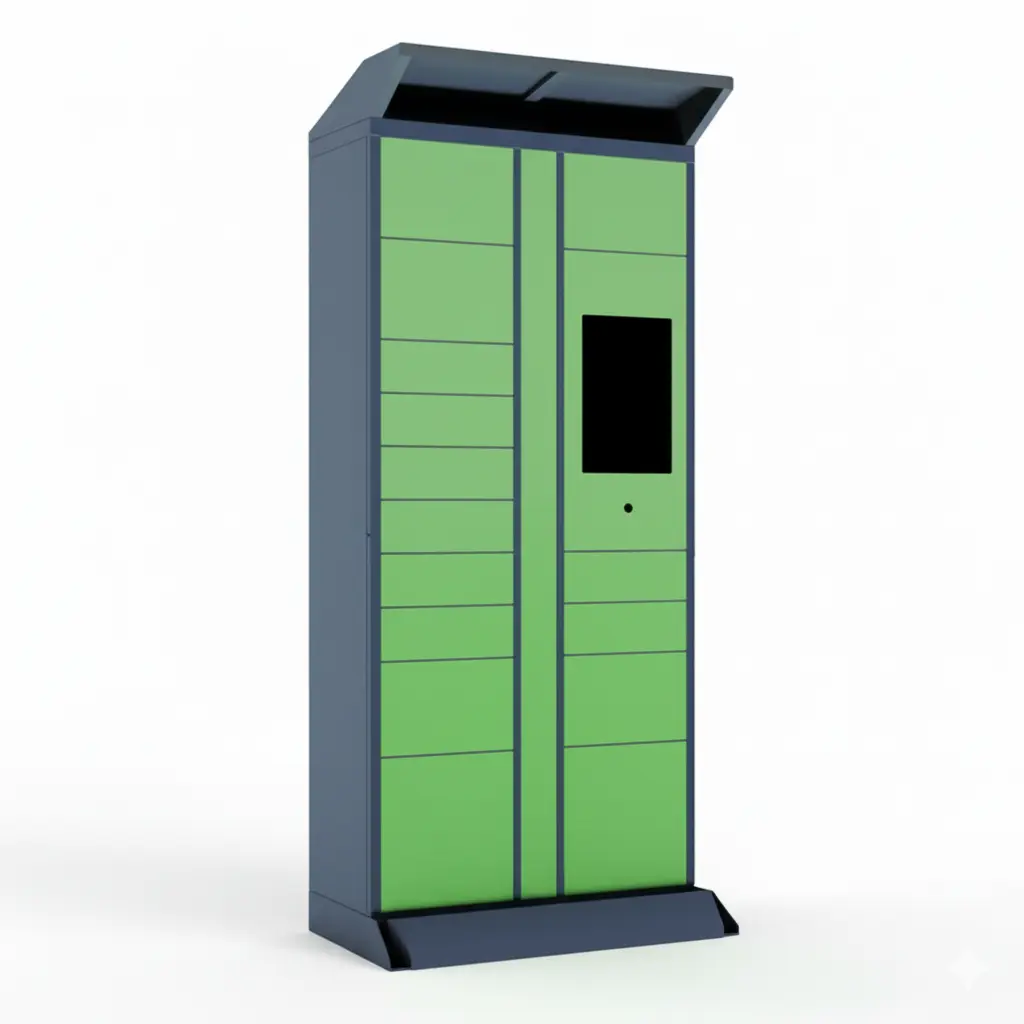
In practical projects, the same platform can support different business rules. A self-service order pickup locker may keep pickup free for 24 hours and then charge an overtime storage fee. A paid storage locker may charge by hour, day, or booking period. A vending or service locker may require payment before opening. The locker is the physical endpoint; the billing logic is controlled by software.
How do QR payment and temporary PIN codes work together?
The normal workflow has five steps: the user scans a QR code, selects or confirms a locker service, completes payment, receives a temporary PIN code, and opens the compartment. For staff-loaded pickup, the order can start in the backend: staff place an item into a compartment, the system sends a pickup code, and payment is triggered only if the business rule requires it.
The important point is that payment and access are tied to the same transaction record. If payment succeeds, the system can activate the temporary PIN code. If payment fails or expires, the compartment remains locked. If the user opens the door, the system records open time, close status, user identifier, and order status. This reduces disputes because the operator can trace who paid, which compartment opened, and when the service ended.

Where does the pay-per-use model fit best?
Pay-per-use lockers are strongest in venues where users need flexible, unattended access and operators want to monetize the space without staffing a counter. Typical scenarios include tourist attractions, airports, railway stations, gyms, schools, shopping malls, coworking offices, residential service rooms, laundry pickup points, and retail click-and-collect areas.
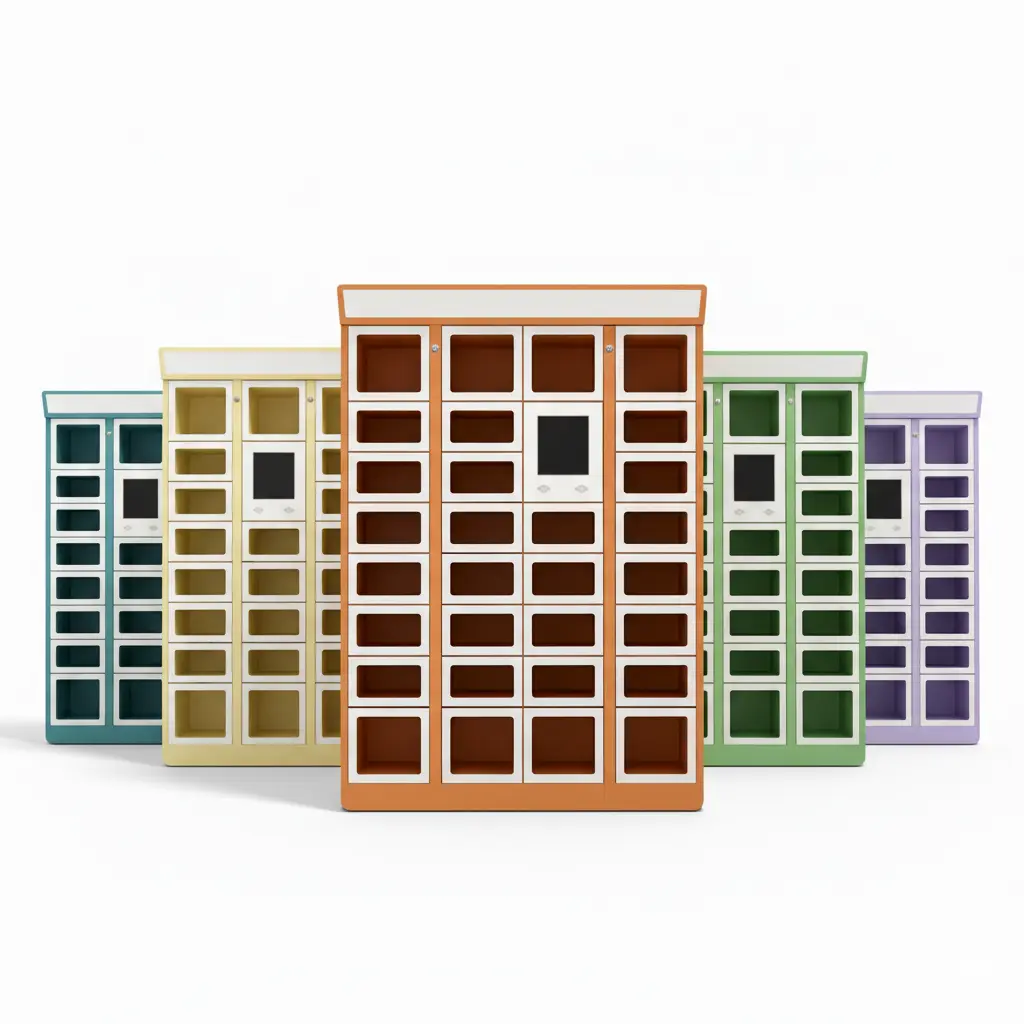
For retail and service businesses, the model can be combined with BOPIS. A retail BOPIS click-and-collect pickup locker can keep standard order pickup free while charging for late pickup, premium time windows, or after-hours access. For vending and paid supply cabinets, a cashless QR code vending locker can connect payment directly to compartment opening. For operators, this creates one platform for several revenue rules instead of separate machines for each service.
Pricing rules operators can configure
Good pay-per-use locker software should not force every buyer into one billing model. A campus, a gym, and a luggage-storage operator may all need different rules. Linqu projects commonly discuss these pricing modes during the quote stage so the cabinet, screen flow, payment device, and backend fields match the buyer's business model.
| Pricing model | Best fit | Operational note |
|---|---|---|
| Pay before opening | Vending, tool rental, paid charging | PIN or QR access activates after payment callback |
| Timed storage fee | Luggage, mall storage, tourist sites | Charge by hour, day, or custom period |
| Free pickup plus overtime | BOPIS, laundry, service businesses | Free first window, then automatic late fee |
| Member or staff account | Campus, office, factory | Bill to account, department, tenant, or monthly plan |

What should buyers check before ordering?
Before ordering pay-per-use lockers, buyers should confirm the local payment channel, tax or invoice requirement, refund rule, timeout policy, network condition, and the level of integration required with POS, OMS, ERP, access control, or a mobile app. The buyer should also decide whether users will identify by phone number, order number, QR code, membership account, or anonymous paid session.
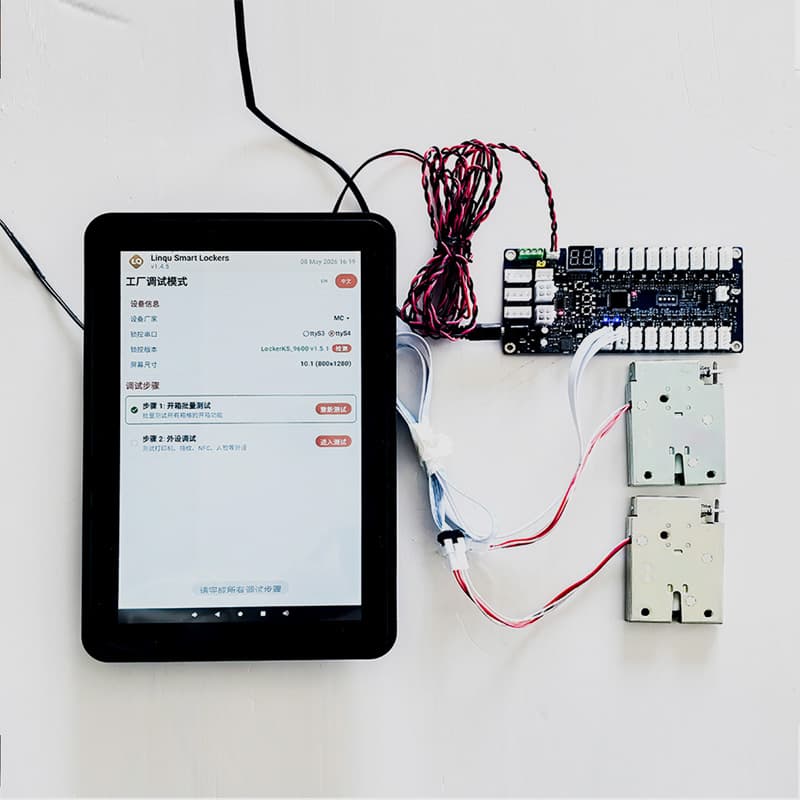
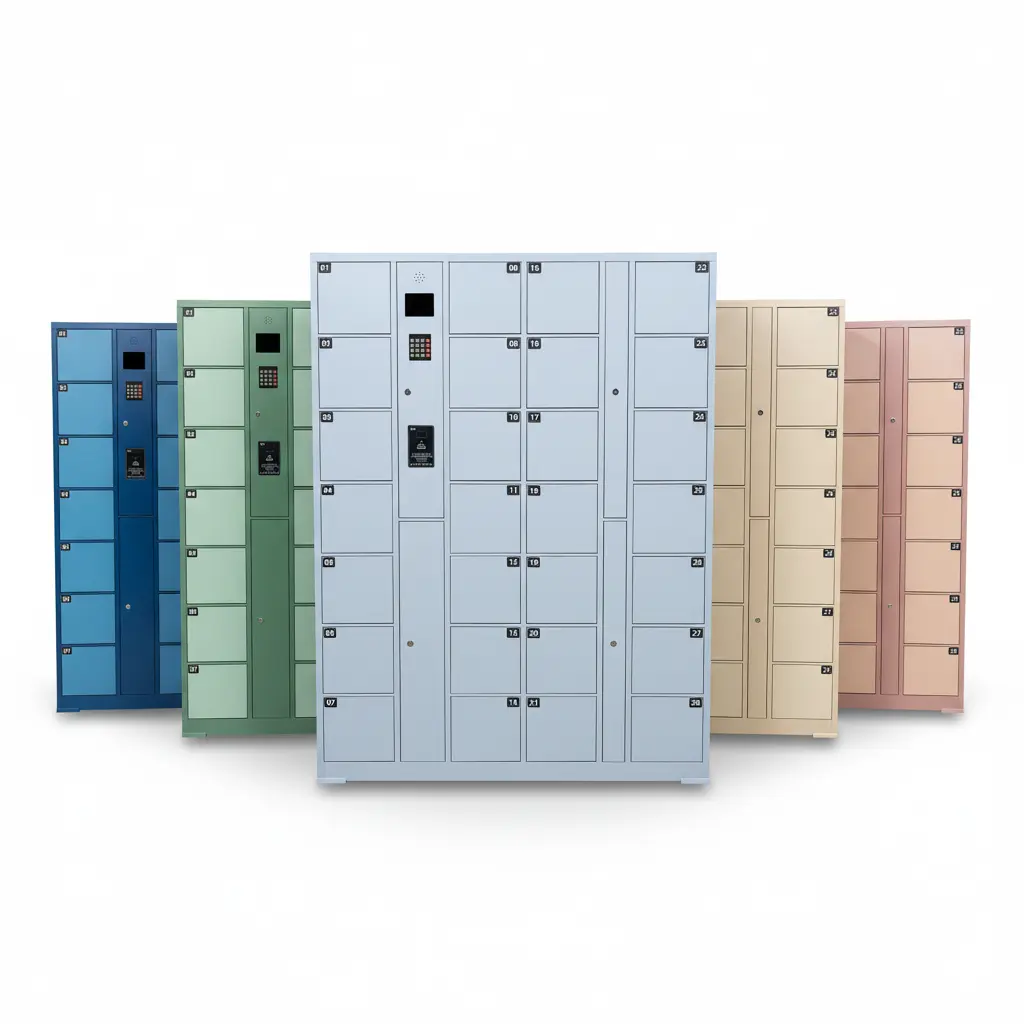
The hardware checklist is also important. Touchscreen size, scanner position, 4G or LAN connection, compartment mix, door sensor, lock type, cabinet material, and indoor/outdoor rating all affect the user experience. If the project will use a custom app or software platform, the team should review API objects for order creation, payment callback, open-door control, compartment status, timeout, and transaction logs. For a related workflow without payment, see Linqu's SMS pickup code locker workflow.
For international projects, confirm whether the payment provider can settle in the operator's local currency and whether the locker screen must show tax, receipt, or refund messages in more than one language. These details look small during sample testing, but they affect user trust after the cabinet is installed in a public venue.
Pay-per-use locker vs manual counter
A manual counter can work for low volume, but it becomes expensive when pickup times are scattered across evenings, weekends, and peak queues. A pay-per-use locker does not replace every staff task; staff still load goods, maintain the cabinet, and handle exceptions. What changes is the repeated handover step. Users can serve themselves, and the system creates a payment and pickup record automatically.
Queue reduction: users do not wait for staff to search for items or process storage fees manually.
Longer service hours: venues can support pickup or storage outside normal staffed hours.
Clear billing: payment status, opening records, overtime, and refunds can be managed in the backend.
Better conversion path: the same cabinet can support free pickup, paid storage, vending, and service handover.
For retail pickup decisions, the comparison in BOPIS locker vs pickup counter is a useful supporting guide.
Implementation checklist for a pay-per-use locker project
Define the service: luggage storage, order pickup, vending, laundry pickup, charging, or mixed use.
Confirm payment flow: local QR payment, card terminal, POS device, online checkout, or account billing.
Choose the access credential: temporary PIN code, QR pickup code, barcode, RFID, or app account.
Set billing rules: free time, overtime fee, refund logic, maximum storage time, and admin override.
Check site conditions: power, network, indoor/outdoor environment, camera coverage, and user signage.
Plan software integration: API, webhook, order fields, payment callback, status query, and export reports.
Key takeaways
Pay-per-use smart lockers turn a cabinet into a revenue and service workflow, not only a storage box.
QR payment and temporary PIN codes should be tied to one transaction record for traceability.
The same system can support free pickup, paid storage, overtime fees, vending, and member billing.
Buyers should check payment channels, timeout rules, API objects, and local network conditions before ordering.
Linqu can customize cabinet size, touchscreen UI, payment flow, notification templates, API integration, and OEM branding.
About Linqu
Linqu Smart Lockers is a smart locker manufacturer based in Zhengzhou, Henan, China. Founded in 2018, Linqu operates a 20,000 sqm factory in Luoyang, Henan, and produces parcel lockers, self-service pickup lockers, storage lockers, vending lockers, charging lockers, laundry lockers, and OEM smart locker components. For a pay-per-use smart locker project, contact Linqu with your site type, payment method, expected compartment count, software integration needs, and cabinet drawings. The team can provide a 24-hour quote through the contact form, Email, or WhatsApp.