The After-Hours Problem — Why Service Customers Can't Pick Up During Your Business Hours
Walk into any dry cleaner at 5:55pm and you'll see the same scene: a line of customers all trying to grab finished orders before the door locks. Most never make it. They go home, the order sits in the back room, the shop loses 30-50% of its potential pickup volume to scheduling friction. And then the owner pays a counter clerk to be there from 8am, even though almost nothing happens before 11.
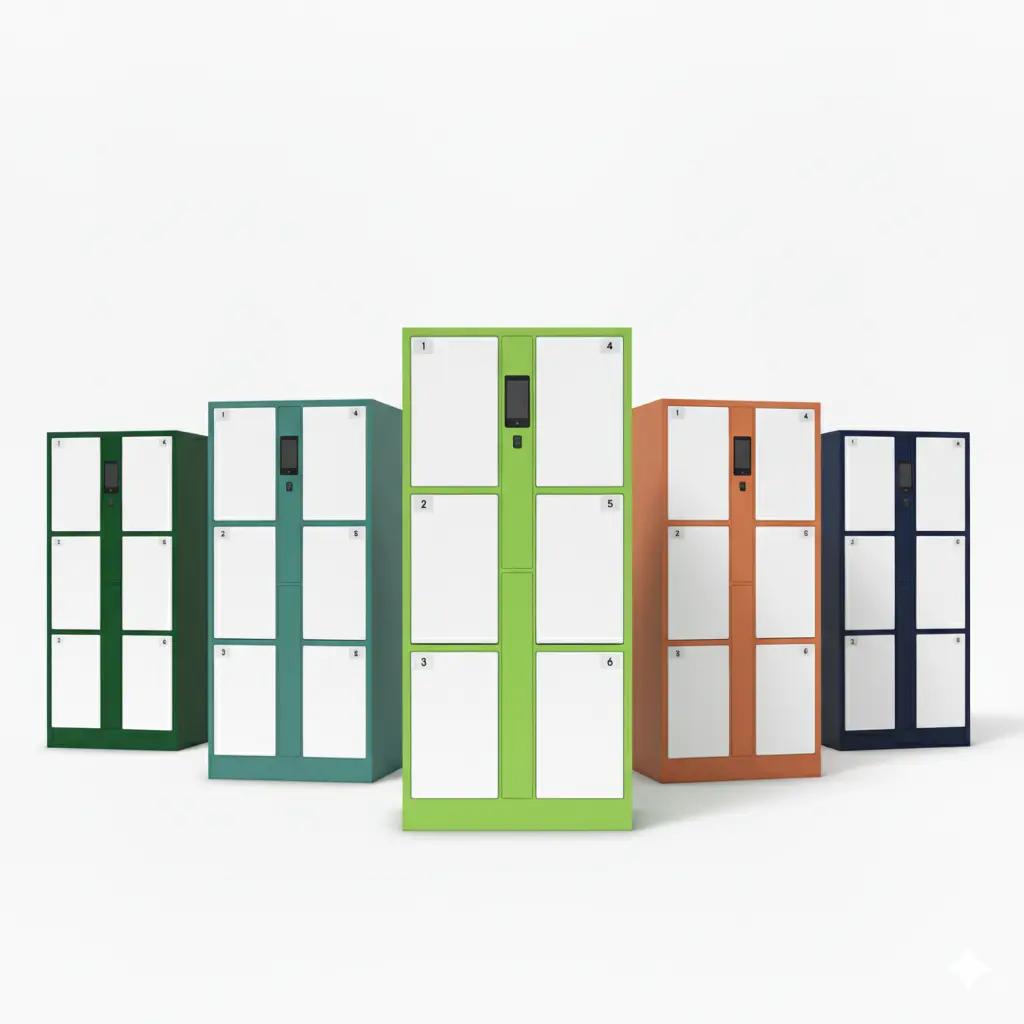
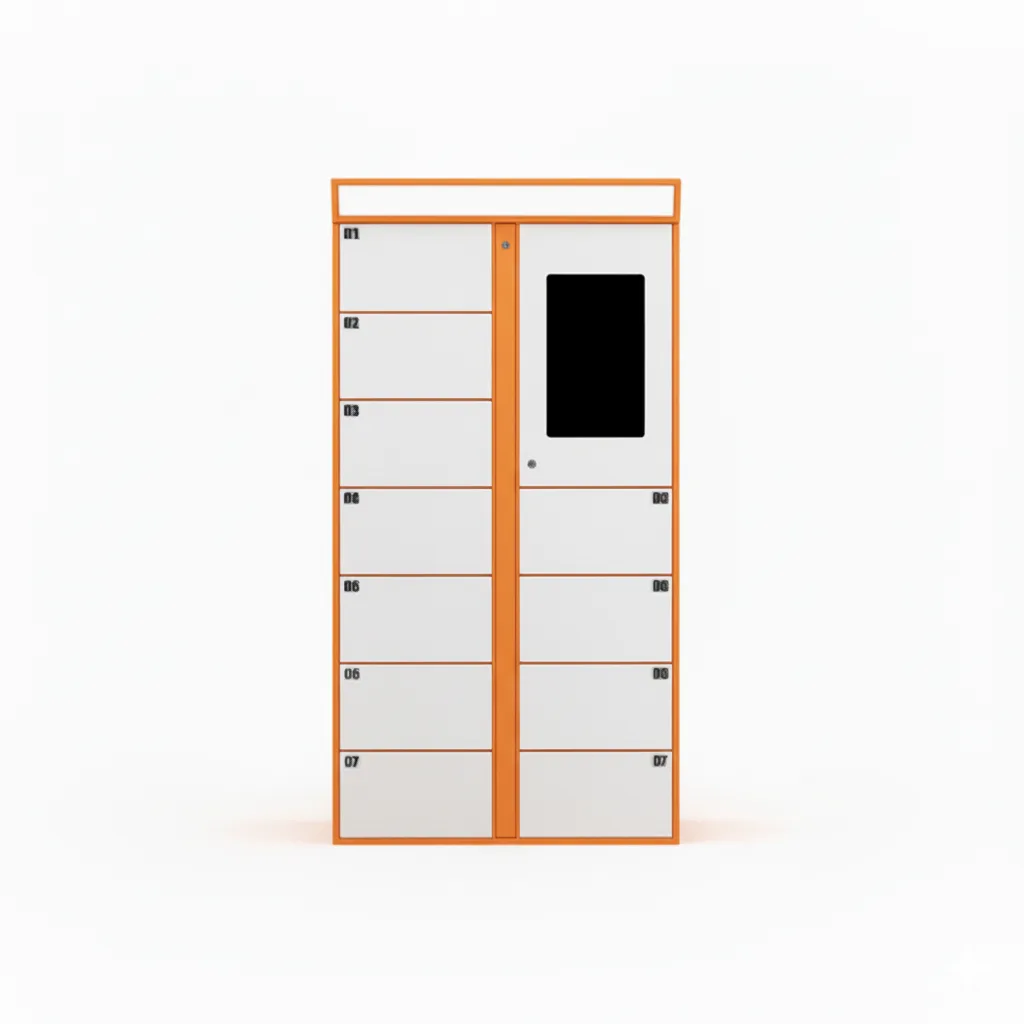
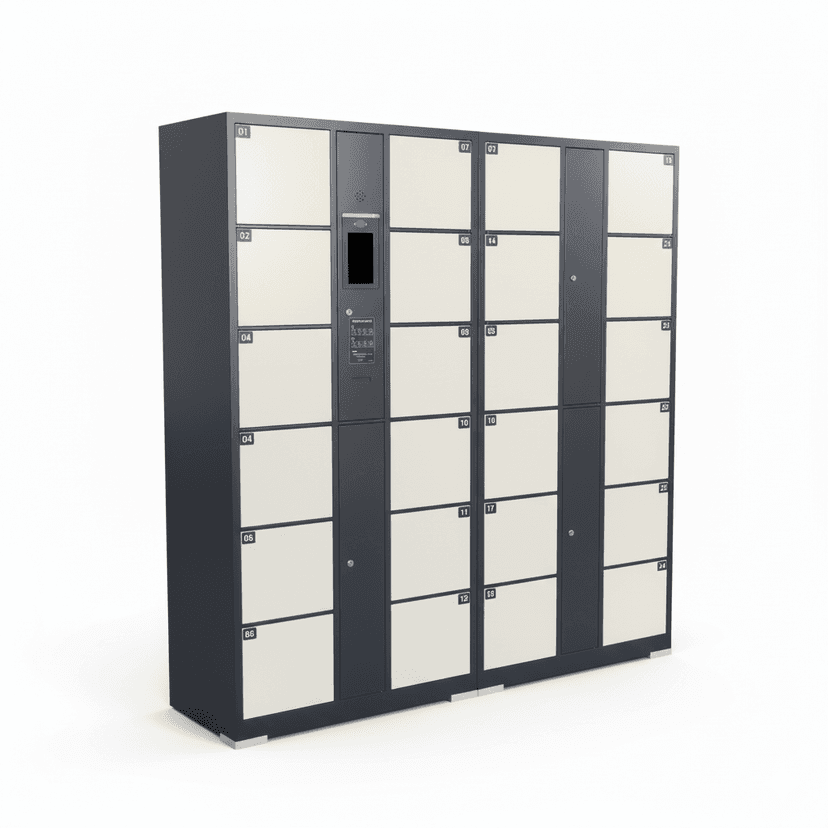
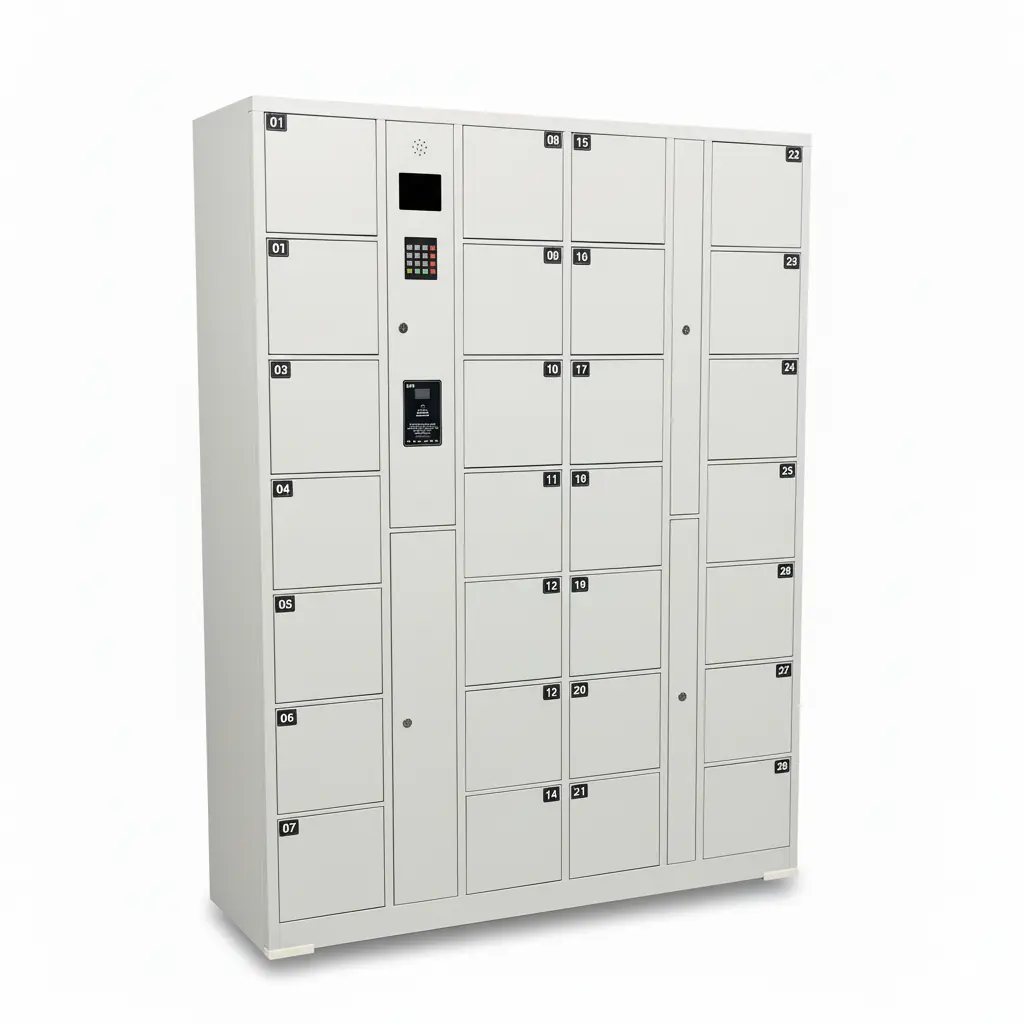
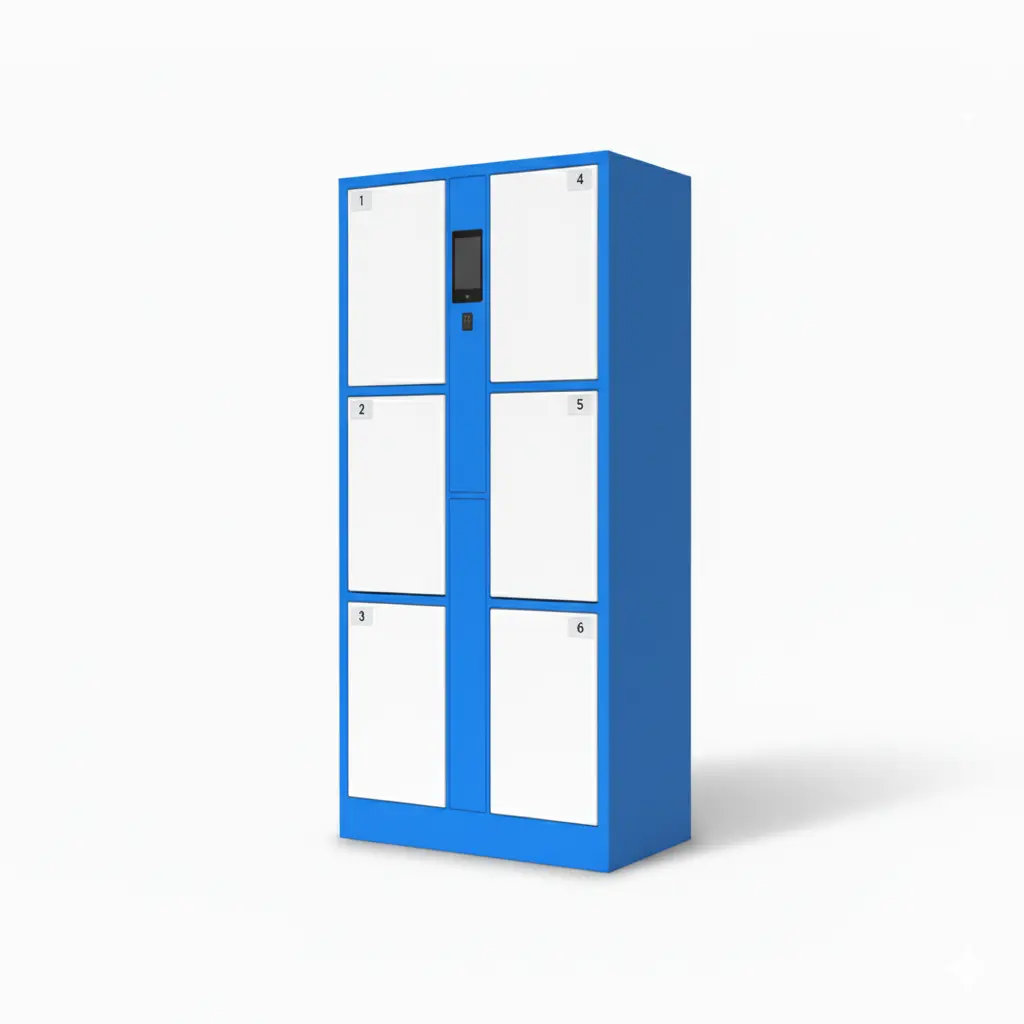
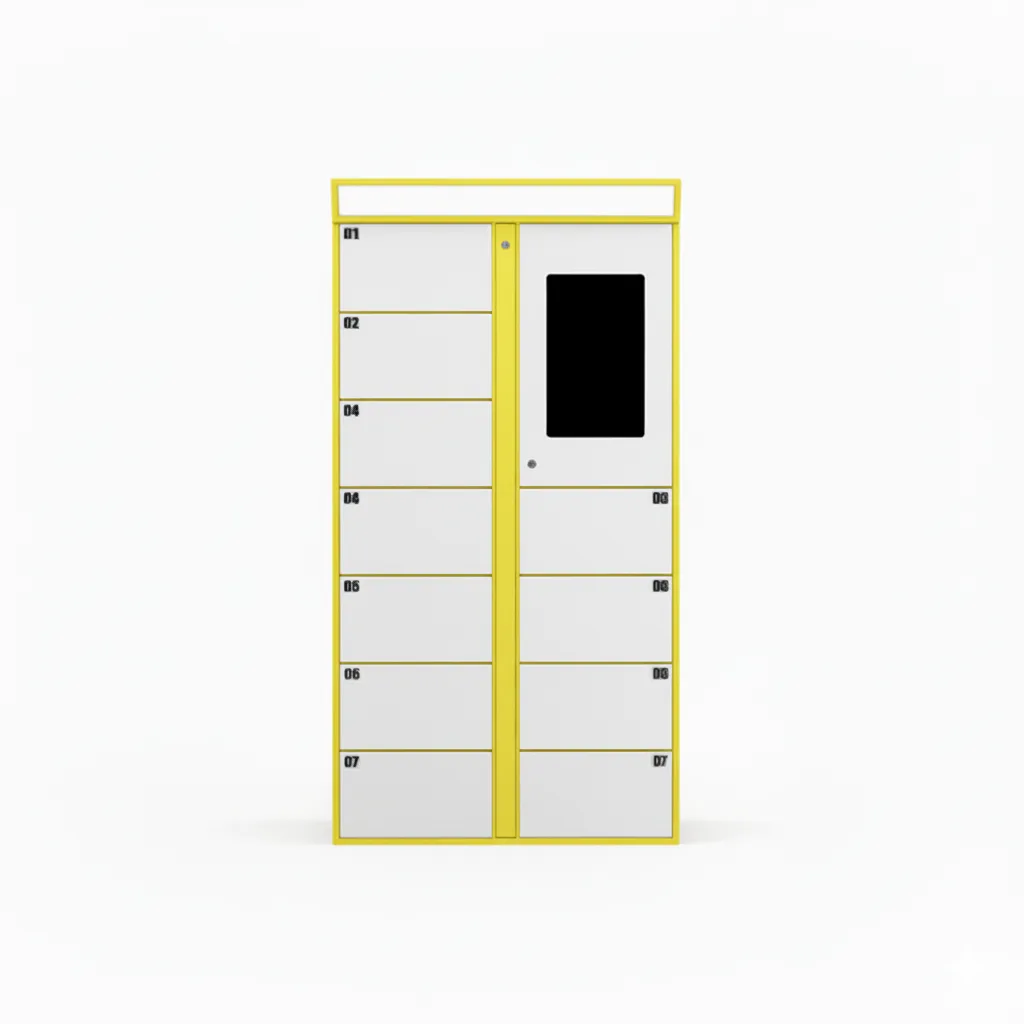
After-hours pickup lockers fix the mismatch. Customers pick up at 9pm, on Sunday, before sunrise — and the shop stays closed during the slow hours. The hero product for this category is the 24/7 After-Hours Self-Service Pickup Locker, designed specifically for single-store operators with cleaning workshops or back-of-house production.
Adjacent use cases include retail BOPIS pickup lockers, 24/7 laundry lockers for dry cleaners, and pharmacy prescription pickup lockers.
How After-Hours Pickup Lockers Work
The flow is built around a 60-second drop-and-go cycle. There is no app for the customer to install, no POS integration required, and the staff workflow is designed for an owner-operator, not a corporate IT team.

Staff loads the order — type the customer phone number, scan or type the order ID, place the bag in the compartment, close the door. 20 seconds.
Customer gets SMS — pickup code, compartment number, plus a link to the shop's address and pickup hours. SMS open rate is 95% within 5 minutes.
Customer arrives at any hour — types the 6-digit code on the touchscreen, the assigned compartment door opens, takes the bag.
System logs the pickup — date, time, compartment, customer phone — visible in the cloud admin and exportable to CSV.
Reminders if not collected — 24h gentle reminder, 48h second reminder with optional storage-fee notice, 72h+ staff alert to reclaim the compartment.
The Labor Math — Why ROI Is Measured in Weeks Not Years
Take a small dry cleaner with $20/hour counter staff. Closing 2 hours earlier saves $40/day on staffing. Over 6 days that's $240/week, $12,480/year. A 24-compartment after-hours locker with full installation typically lands between $4,800 and $7,500. Payback: 4-8 months.
The savings compound when you consider recovered pickup revenue. Many shops lose 10-20% of completed orders to customers who never make it back during business hours. After-hours pickup converts those abandoned orders into completed transactions plus customer loyalty.
Real-World Use Cases
The pattern repeats across every service business with a finished-good handoff. Below are categories already running this workflow at scale.
Dry cleaners and laundromats — finished garments dropped before close, customers pick up evenings and weekends
Photo and print shops — printed orders, framed photos, custom signage available outside studio hours
Shoe repair, tailoring, alterations — completed work waiting in lockers for after-hours pickup
Cake and bakery custom orders — early-morning pickup before staff arrives, especially for events and catering
Bike, electronics, and small appliance repair — completed repairs picked up after work, on weekends
Eyewear, watch, and jewelry repair — high-value orders with phone-verification add-on
Notification Stack — Why SMS, Why a Three-Stage Reminder
SMS has the highest open rate of any consumer notification channel — over 95% within 5 minutes, compared to 25-30% for email. The system uses a three-stage reminder cadence calibrated for service-business pickup behavior:
Stage 1 — order ready — full pickup code, compartment number, link to shop hours and address, optional barcode for app-aware customers
Stage 2 — 24h gentle reminder — friendly nudge if not collected, no fee threat yet
Stage 3 — 48h second reminder — optional storage-fee notice (configurable per shop and order type), explicit deadline
Email backup — for international customers, customers who blocked SMS, or as audit trail
WhatsApp option — required in some markets (Latin America, Southeast Asia) where WhatsApp is the default messaging channel
Hardware Considerations — Indoor, Semi-Outdoor, and When to Choose Each

Most service-business lockers live in one of three placements: inside a covered storefront entry, against an exterior wall under an awning, or as a free-standing outdoor unit. Choose hardware based on weather exposure and security profile.
Indoor configuration — covered entryway, lobby, or vestibule; standard cabinet spec works fine
Semi-outdoor (entry under awning) — IP54 cabinet with light rain protection, suitable for most temperate climates
Full outdoor — IP65 cabinet with full weatherproof seal, hooded touchscreen, anti-rust powder coat for coastal locations
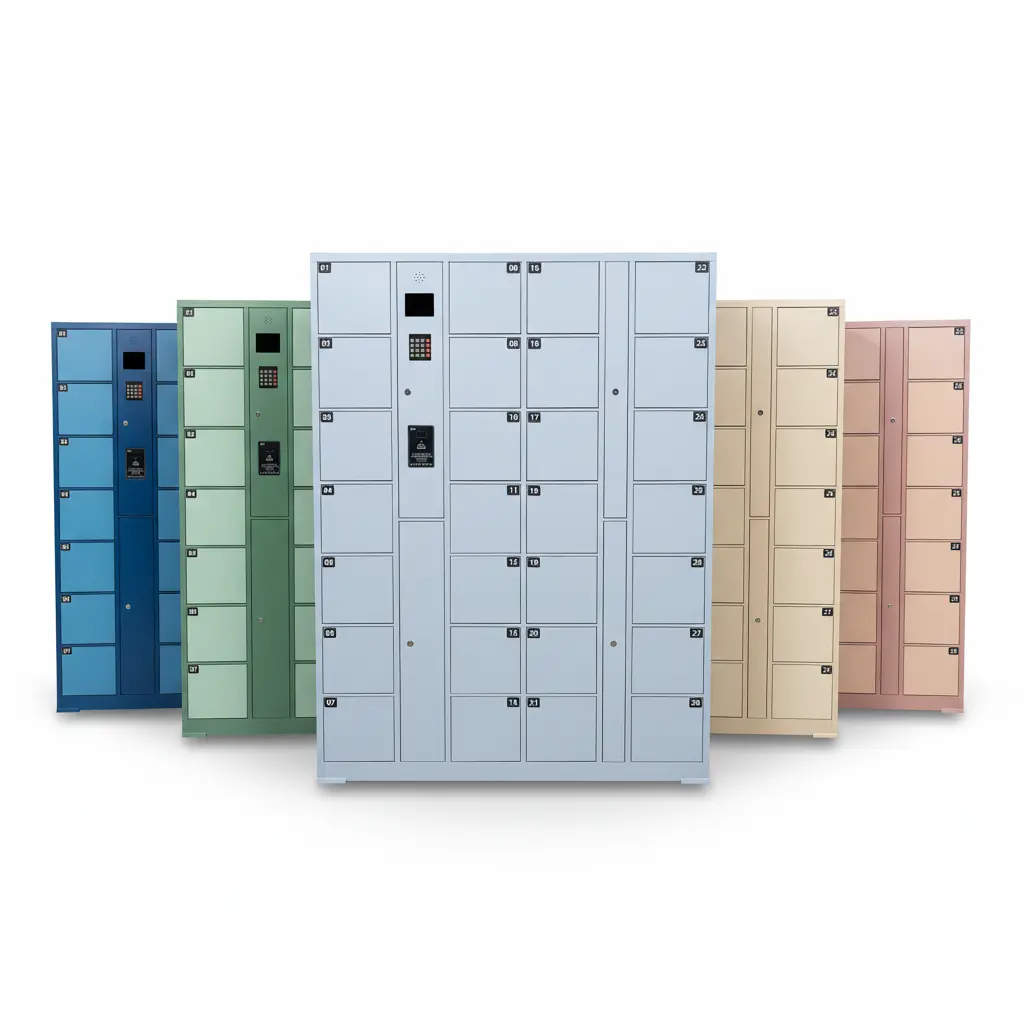
Compartment mix — small (jewelry, photos, eyewear), medium (laundry bags, repair kits), large (boxed appliances, custom signage)
Modular expansion — start with one column (4-12 compartments), add columns as demand proves out, no software re-deploy
How to Roll Out an After-Hours Locker in 4 Weeks
Most owner-operators are surprised at how fast this can go from procurement to live pickup. The bottleneck is rarely the hardware — it's the operator getting comfortable with the workflow.
Week 1 — procurement — pick configuration, sign-off on placement, hardware ships factory-direct
Week 2 — install + connectivity — locker arrives pre-assembled, electrical hookup (standard outlet), WiFi or 4G provisioning, brand-customize touchscreen and SMS templates
Week 3 — soft launch — staff training (20-minute walkthrough), test pickups with friends/family, refine SMS copy and pickup hours
Week 4 — public launch — announce to existing customer list (email + SMS + storefront signage), enroll in shop's loyalty program if applicable
Week 8 — first ROI review — pickup volume, after-hours percentage, storage-fee revenue, customer feedback. Decide on column expansion or second-store rollout.